7 Usability Test Script Examples for SaaS Teams
Find 7 ready-to-use usability test script examples for SaaS. Get templates for moderated and unmoderated tests to reduce churn and drive growth.
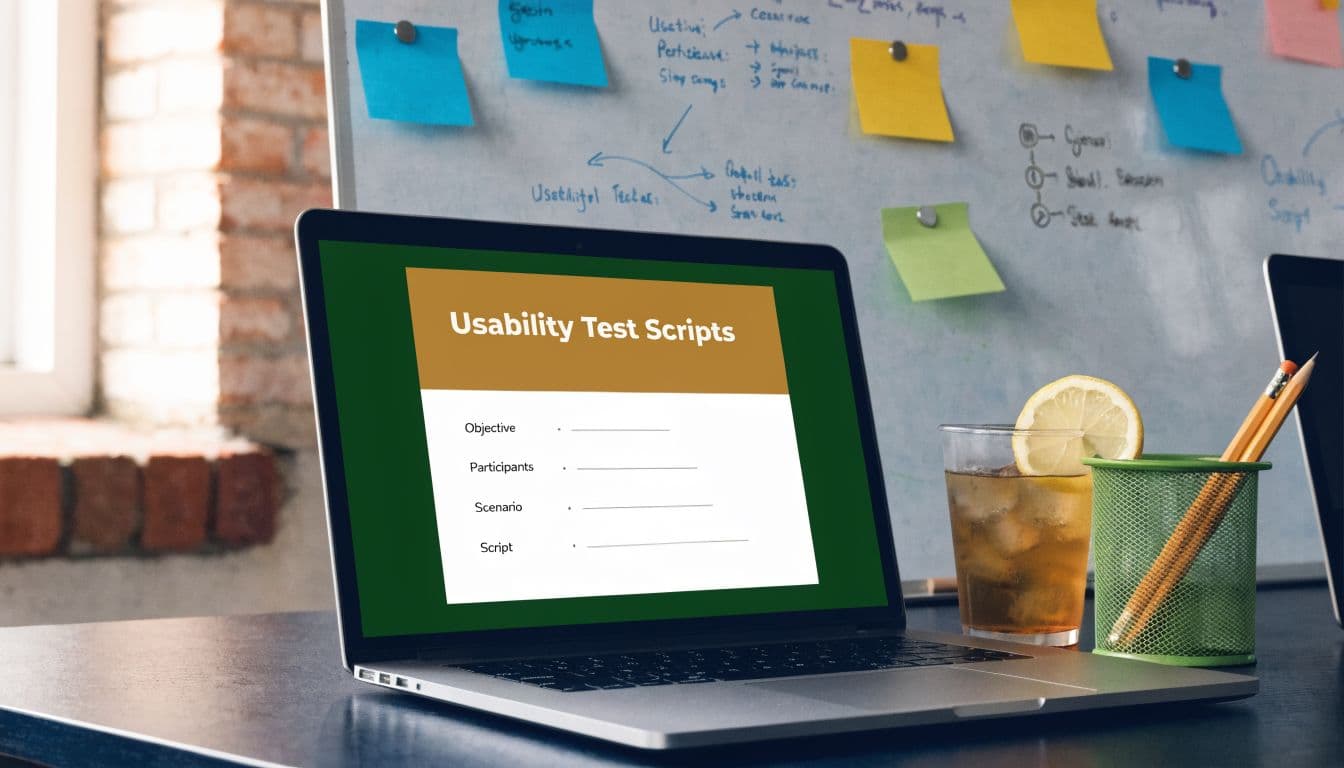
You’re probably here because your last usability test produced polite fog.
Users said things like “it’s fine,” “I think I’d use it,” or “I guess that makes sense,” and your team still had no clue what to fix first. Meanwhile, support tickets keep piling up, trial users disappear somewhere between signup and activation, and sales keeps telling product that one missing workflow is blocking expansion.
That usually isn’t a recruiting problem. It isn’t even a moderation problem. It’s a scripting problem.
A usability test script should do more than keep a session organized. It should pressure-test a business hypothesis. If your product intelligence tells you a workflow is tied to churn, the script should isolate where that workflow breaks. If support data suggests handoff failures create repeat tickets, the script should recreate that handoff. If a premium feature is supposed to facilitate expansion, the script should reveal whether users can even find it, understand it, and trust it enough to adopt it.
The best usability test script examples don’t just ask users to “look around.” They create controlled realism. They give participants enough context to act naturally, while giving your team a consistent way to compare behavior across sessions.
That structure matters. Well-scripted sessions are typically built around an introduction, warm-up questions, a small set of core tasks, and a wrap-up, with most experts recommending keeping the task load tight to avoid fatigue and preserve signal quality. GitLab, Maze, Lyssna, and related testing guidance all point in that same direction, and Modern Test Scripts in Software Testing is a useful companion if you’re also thinking about how research scripts connect to broader testing workflows.
Below are seven usability test script examples I would use with SaaS teams. Each one is built to help you move from vague reactions to decisions that affect churn, support load, adoption, and revenue.
1. Task-Based Product Feature Discovery Scenario
A familiar SaaS problem looks like this. Trial users complete setup, invite a teammate, then stall before they touch the feature that drives retention. Product analytics show activity, but not meaningful adoption. Revenue teams feel it later in lower conversion, slower expansion, and a support queue full of “how do I do X?” tickets.
That is the right moment for a task-based feature discovery script.
Use this format when the business question is not “can users click through onboarding?” but “can users reach and use the product capability that makes the account stick?” For Slack, that might be setting up a workspace and then configuring permissions for the first real collaboration need. For Zendesk, it could be resolving a ticket, reviewing sentiment, and finding the next action that improves response quality. For Linear, it might be creating a sprint, assigning issues, and locating the reporting view a manager would check next.
A script that reveals workflow friction before it shows up in churn
Keep the task set tight and sequential. Maze’s usability test script guidance is useful here because it reinforces a practical constraint researchers already know well. Too many tasks blur the signal. Three to five tasks usually gives enough behavior to spot whether users understand the workflow, where they hesitate, and whether they can recover after a mistake.
A version I’d use with a SaaS product team looks like this:
- Scenario setup: “You’ve joined a new team and need to prepare a project space for an upcoming launch.”
- Task 1: Create the project or workspace.
- Task 2: Invite collaborators and assign roles.
- Task 3: Find the feature your team would need next to manage work or permissions.
- Task 4: Fix a small setup error, such as incorrect access settings.
This script tests more than findability. It shows whether the product makes the next valuable action obvious in context. That is a different question from basic task completion, and it matters more for adoption.
I usually add an error-recovery step on purpose. Teams often optimize the happy path because it demos well. Users churn in the messy parts, where they picked the wrong option, misunderstood a label, or need to reverse a decision without calling support.
What to observe, score, and tie back to revenue
Watch behavior before you listen to opinions. Long pauses, cursor circling, repeated visits to the same menu, and comments like “I’m not sure what this does” are stronger signals than a polite post-task “that was fine.”
Use the same scorecard in every session. Track completion, time on task, detours, recovery success, and confidence after each task. Benchmarks can help as a rough reference point, but trend lines inside your own product matter more than industry averages.
The business value comes from connecting those observations to product intelligence. If your analytics platform shows that accounts who adopt a permissions feature in week one retain better, this script helps explain why others never reach it. If users can complete setup but fail to discover the feature tied to team rollout, you do not have a discovery problem in the abstract. You have an activation risk with downstream revenue impact.
That is also where research helps prioritization. Session evidence can show whether poor adoption comes from weak labeling, bad menu placement, unclear value, or a broken permission model. Those are different fixes with different costs. A feature prioritization matrix for product teams helps separate cosmetic requests from changes that can improve activation and reduce expansion friction.
One caution. Do not ask participants where they “would expect” a feature to live. That produces tidy opinions and weak evidence. Give them a realistic job that requires the feature, then watch whether the interface supports the path to value.
2. Critical Pain Point & Abandonment Scenario
A trial user is ten minutes from making a purchase decision. They hit one confusing step, hesitate, open a help doc, back out, and leave. Analytics records a drop-off. Revenue teams feel it later as lower conversion, more support load, and weaker expansion potential.
This script is built for that moment.
Use it when a single workflow keeps showing up in cancellation notes, failed trial reviews, support escalations, or sales objections. Recreate the actual conditions around the breakdown, including messy states, unclear system feedback, partial completion, and the exact wording users see before they quit. A polished prototype often hides the operational friction that pushes someone out.
Good candidates tend to sit close to revenue risk:
- Export failure: The user needs their data for a customer meeting and cannot figure out file limits, permissions, or format constraints.
- Broken handoff: A support conversation needs to move from chat into another system, but ownership, context, or status disappears. Teams working on service operations can pair this with an AI powered customer service guide to map where automation helps and where the interface still creates preventable failure.
- Trial conversion friction: The user reaches the setup step that should prove value, then gets stuck before the payoff appears.
In moderated sessions, I keep the business context tight and the path open. Give the participant a reason to care now, not later. “Your manager needs this report before the next meeting.” “A customer is waiting for an answer.” “Your trial ends tomorrow, and you need proof this tool will work for your team.”
Urgency changes behavior. People stop browsing and start making trade-offs. That is when abandonment patterns show up.
The useful signal is not just where they fail. It is the moment their goal collapses into product doubt. Listen for phrases like “I don’t know what this means,” “Did that save?” or “I’d probably contact support.” That shift marks more than confusion. It shows where product friction turns into support cost, delayed activation, and possible churn.
Code these sessions with a small set of tags you can compare across participants: confusion, backtracking, failed recovery, confidence loss, and willingness to continue. Then line those observations up against product intelligence. If SigOS or your analytics stack shows that accounts who complete this workflow convert at a higher rate, the session gives you the reason others do not. That turns a vague UX complaint into a revenue diagnosis.
The trade-off is in how tightly you script the test. A loose scenario reveals natural coping behavior such as workaround attempts, tab switching, or silent quitting. A tighter script makes it easier to compare sessions, variants, and user segments. Use the looser version when you are still locating the failure. Use the structured version when you need evidence strong enough to prioritize a fix against roadmap competition. A feature prioritization matrix for high-impact product fixes helps separate a frustrating edge case from a workflow issue tied to conversion or retention.
One caution matters here. Do not script users into failure. The scenario should be difficult because the product creates friction, not because the moderator stacked the deck. Participants need a fair path to success, or the findings will not hold up when teams start debating effort, ownership, and expected revenue impact.
3. Revenue-Driven Feature Expansion Scenario
A customer has already bought the product, sees the promise of an advanced feature, and still does not expand. That gap is rarely about demand alone. It is often a setup problem, a trust problem, or a proof-of-value problem that shows up before revenue does.
Use this script for workflows tied to expansion revenue: advanced analytics, API integrations, automation builders, admin controls, and workspace governance. These are the features that influence upgrade decisions, larger rollouts, and renewal conversations. If your product intelligence tool shows that accounts who adopt one of these features retain better or grow faster, usability testing can explain why interested accounts stall before activation.
Test the path to adoption
Expansion research needs a scenario with stakes. Give participants a job that matches the buying moment, where the feature has to earn its setup cost.
Examples:
- Advanced analytics: “You need to show leadership which customer segments are at risk and which are expanding.”
- Automation: “Create a rule that routes high-priority events to the right team without manual triage.”
- API workflow: “Set up a connection to an internal system so your team can include this product in a broader rollout.”
- Workspace management: “Your company added new teams and now needs stricter permissions and clearer admin ownership.”
Watch for four checkpoints. Can the participant find the feature? Can they explain what it does in business terms? Can they configure it without depending on sales, support, or documentation? Can they say why the outcome is worth the implementation effort?
Those checkpoints map cleanly to revenue risk. Failure to find the feature points to discoverability and packaging. Failure to configure it points to activation cost. Weak value explanation often signals that marketing, in-product copy, or the sales handoff is overselling the outcome and underspecifying the work.
Debrief for buying signals, not just usability notes
The follow-up questions matter because expansion features are judged on effort versus return.
Ask:
- Value clarity: “What result would this help your team get?”
- Setup resistance: “What part of this would make you delay rollout?”
- Trust threshold: “What would you need to see before relying on this in production?”
- Stakeholder fit: “Who else would need to approve or help with setup?”
Qualitative research offers more utility than a satisfaction score alone. A participant may complete the task and still reveal a serious adoption risk: unclear ownership, fear of breaking existing workflows, or doubt that the output justifies admin time. Those concerns often predict slow rollout better than task success by itself.
I like to score these sessions on two separate axes: interaction success and adoption confidence. A feature can be usable enough to finish in a test and still fail commercially because the participant would never bring it into live operations. If your analytics stack or SigOS shows that accounts using this feature expand faster, this script helps diagnose whether lower-performing segments are blocked by complexity, weak positioning, or missing implementation support.
For teams shaping service-heavy rollouts around these features, an AI powered customer service guide can help frame how onboarding and support affect adoption after the sale.
A prioritization lens still matters. If several expansion bets compete for design and engineering time, a feature prioritization matrix gives structure to the decision.
Use SUS carefully here. A score above the common benchmark can be a decent floor, but revenue-linked features usually need more than average usability. They need enough clarity and confidence that a busy team will finish setup, trust the output, and keep using it. In practice, I would rather see slightly slower task completion with strong confidence than a fast first pass followed by hesitation about real-world rollout.
Treat the business case the same way. Better scripts do not create expansion on their own. They help teams find the specific friction that blocks upgrades, larger deployments, and retained revenue.
4. Customer Support Workflow & Resolution Scenario
Support workflows expose product truth fast.
When a support rep or success manager can’t diagnose an issue, find context, or hand off cleanly, you get slow resolution, repeat contacts, and frustrated customers. A script for this environment shouldn’t just test whether an interface is “easy.” It should test whether a person can move from incoming issue to informed next action without losing momentum.
Start with live-feeling ticket scenarios
Use scenarios that look like actual work:
- Zendesk-style queue: Resolve a multi-part customer issue and decide whether to escalate.
- Intercom-style inbox: Identify intent, locate the right article, and determine the next response.
- Knowledge base search: Find the answer using internal search under moderate urgency.
- Handoff workflow: Reassign a case with enough context that the next team can act.
These are good usability test script examples because they blend navigation, reading, judgment, and communication. That’s closer to real support work than simple click tasks.
The script should include enough context for prioritization. Don’t just say “handle this ticket.” Say the customer is a paying admin, the issue affects multiple users, and a reply is expected soon. Support teams triage by consequence, not by isolated UI tasks.
Measure clarity under pressure
This format is where timing and accuracy should be observed together. Fast but wrong isn’t success. Slow but careful may still point to an experience problem if the rep has to hunt across multiple screens.
The workflow usually breaks in one of three places:
- Context retrieval: The agent can’t piece together customer history.
- Decision support: The product doesn’t make the right next step obvious.
- Handoff integrity: Internal notes or routing leave out what the next person needs.
A useful moderation move is to let silence run a little longer than usual. In support tools, hesitation often signals uncertainty about consequences.
“If your support script never forces prioritization, you’re testing navigation, not support work.”
This scenario also benefits from external operational context. Teams working through support automation, routing, and human handoff issues may find adjacent ideas in this AI powered customer service guide.
One thing that doesn’t work is over-cleaning the ticket content. Real support work is messy. Users paste screenshots, write vague descriptions, and mix multiple issues into one request. If you remove all that ambiguity, the script stops resembling the actual burden your support team carries.
5. Multi-Platform Integration & Data Handoff Scenario
Single-product usability is hard enough. Cross-platform usability is where a lot of SaaS operations fall apart.
A user starts in Zendesk, creates or links work in Linear or Jira, references code in GitHub, then expects status to stay coherent across systems. If those handoffs fail, nobody files the complaint as “multi-system state degradation.” They file a support ticket and say the workflow is confusing or broken.
Build the script around movement between tools
This script should force transitions, not just check whether integrations exist.
A realistic sequence might look like this:
- Step 1: Review a customer issue in Zendesk.
- Step 2: Escalate it into Linear with enough context for product.
- Step 3: Connect engineering work in GitHub or Jira.
- Step 4: Return to the original thread and verify status visibility.
The participant should have to confirm whether context survived the handoff. Did the title map correctly? Did ownership carry over? Is status visible in the place they’d expect?
This is one of the few script types where “happy path only” testing is close to useless. Include at least one disrupted state. A failed sync, an incomplete field mapping, or a permission mismatch is enough to surface whether the product helps users recover or leaves them to improvise.
What strong integration scripts uncover
Good integration scripts reveal more than UI friction. They expose trust breaks.
When users move between systems, they’re constantly asking silent questions. Did that go through? Did the right team receive it? If I change status here, where else updates? Those are usability questions with operational consequences.
Use a note sheet that captures:
- Context loss: What information disappeared or became harder to access.
- Transition delay: Where the participant paused to confirm system state.
- Recovery behavior: What they tried when they weren’t sure a handoff worked.
- Integrity concerns: Whether they expressed doubt about duplication, overwriting, or stale data.
The reason this matters to script design is simple. A smooth interface inside one tool doesn’t matter much if the actual customer workflow lives across four of them.
If your product sits in a broader SaaS stack, this script deserves more attention than it usually gets. It often explains why adoption feels decent in demos but fragile in production. Users aren’t failing inside the product. They’re failing between products.
6. Onboarding & Time-to-Value Scenario
A new customer signs up with real intent, gets through setup, then leaves before reaching a first useful result. Product analytics records a completed onboarding flow. Revenue teams see a trial that never activates. That gap is exactly why this script matters.
An onboarding usability script should test time to first value, not just form completion.
I keep the scenario narrow and outcome-based. The participant’s job is to reach one meaningful result that would justify a second session. For an analytics product, that could mean connecting a data source and seeing a usable dashboard. For a collaboration tool, it might be creating a workspace, inviting one teammate, and finishing the first shared task. For an API product, it usually means getting credentials, making the first successful call, and understanding the response well enough to use it again.
That scope forces clarity. If users can create an account but cannot reach an outcome they care about, onboarding is underperforming.
Script for first meaningful outcome
Write the script around the activation event your business already tracks. If SigOS or your product analytics shows that accounts with a completed integration, first report, or first shared project retain better after week one, build the session around that milestone. Qualitative testing then explains why users stall before it.
A practical moderator prompt looks like this:
“Your team just signed up because you need to solve [specific job]. Set up the product and get to the first result you would need to show a coworker that this is worth using.”
That framing does two things. It gives the participant a reason to care. It also keeps the session tied to business outcomes instead of generic setup success.
Don’t score onboarding on completion alone
Completion hides weak activation.
I want to know whether the user understands what they achieved, whether they could repeat it without help, and whether the result felt valuable enough to come back. A participant who finishes every step but says, “I’m not sure what I have now,” is much closer to churn than success.
Use a short debrief that surfaces that risk:
- Value clarity: “What did you get from the product by the end of setup?”
- Repeatability: “Could you do this again on your own tomorrow? Where would you hesitate?”
- Return trigger: “What would need to happen for you to come back and use this again this week?”
Those answers connect well with quantitative signals. If session data shows strong onboarding completion but weak day-7 retention, this script helps you find the break. It is often a missing explanation, a poor default, or a setup choice that feels high-effort before any payoff appears.
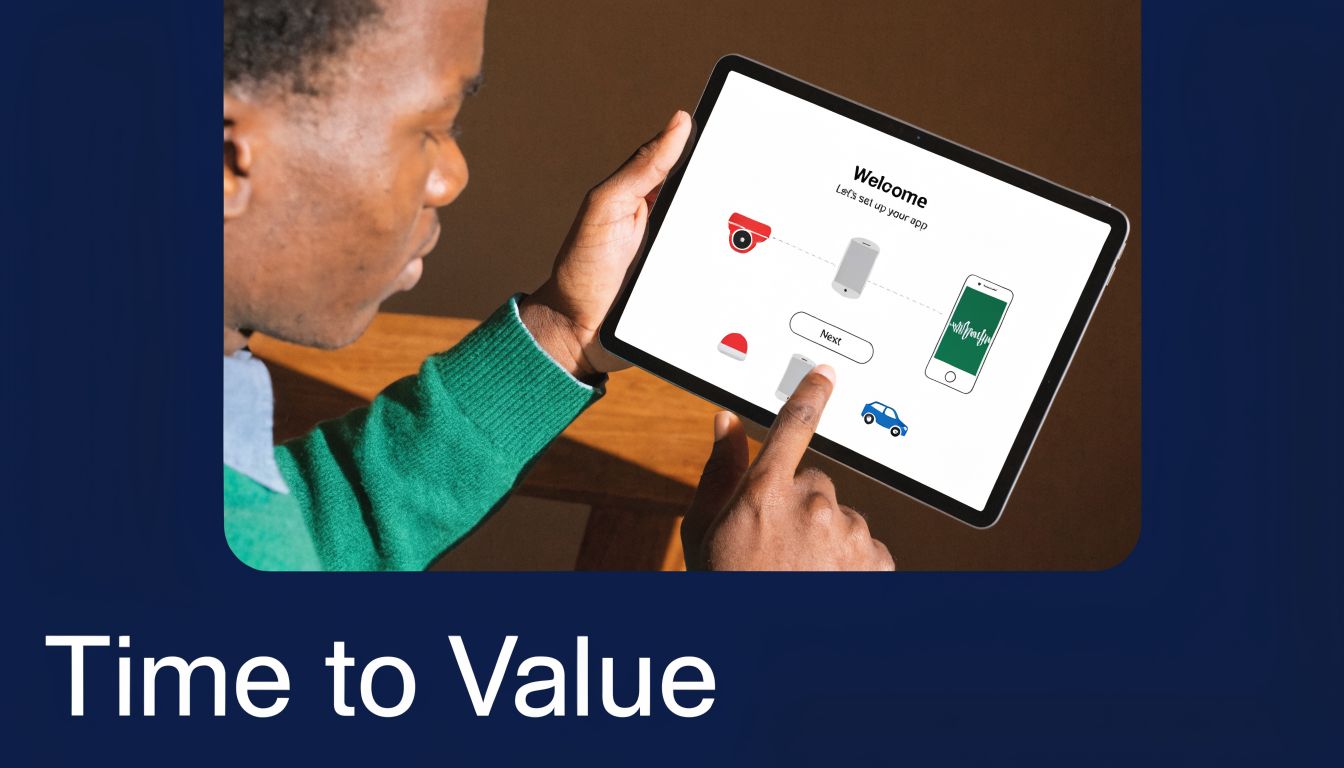
One pattern shows up often in SaaS. Teams remove obvious friction from signup, then leave the hardest cognitive work after account creation. Users still have to decide what to connect, what to configure, and what “done” even looks like. That is where time-to-value slips.
When I review results from this script, I tag four things: setup hesitation, dependency blockers, value recognition, and drop-off risk. Those tags make it easier to line interview evidence up with funnel data. If a high percentage of trial users abandon before the first report, first sync, or first invite accepted, the usability findings give you a concrete fix list instead of a vague activation problem.
Good onboarding scripts do more than improve first impressions. They show where early friction delays activation, lowers trial-to-paid conversion, and puts retention at risk before the customer has seen enough value to stay.
7. Real-World Workflow Simulation Under Pressure Scenario
A support lead is triaging a renewal risk, Slack is firing, a customer wants an answer now, and the dashboard they rely on suddenly requires extra clicks to confirm the account status. Calm-task testing will not catch that.
This scenario tests whether the product still holds up when attention is split and the cost of delay is real. I use it for workflows where speed, memory, and handoffs affect revenue. Support teams trying to save an account, managers reviewing exceptions before a billing deadline, and operators handling a queue all fit well.
Recreate pressure without turning the session into theater
Use one realistic workflow with a clear business consequence. Then add light interruptions that mirror actual work.
Good candidates include:
- Support escalation: Investigate an unhappy high-value customer, confirm account history, and prepare a response while a second urgent request arrives.
- Operations review: Clear a queue of exceptions, spot the one case that can trigger financial or compliance risk, and report status to a manager.
- Developer incident handling: Check monitoring, review a ticket, confirm deployment status, and update stakeholders with incomplete information.
- Manager decision flow: Compare team performance, answer a customer-facing question, and switch into a live issue without losing context.
Keep the pressure believable. A new message, a priority change, or missing information is enough. Forced chaos usually creates fake findings.
Measure breakdowns that affect churn, support cost, and expansion
The useful signal in this script is cumulative friction. Users forget where they were, reopen the same screens, copy information into notes, or avoid a feature they no longer trust. Under pressure, these behaviors stop looking like minor UX flaws and start looking like operating costs.
Track evidence such as:
- recovery time after an interruption
- repeated verification steps
- tab-hopping across tools
- manual note-taking to preserve context
- skipped actions because the user is unsure it is safe to proceed
- workarounds the participant describes as “just how we do it”
Those patterns are easy to connect to business metrics. If product analytics or BI tooling like SigOS shows longer resolution times, lower save rates on at-risk accounts, or drop-off in a high-value workflow, this script helps explain why. The session gives you the mechanism behind the number. You can see whether the issue is weak system feedback, poor state visibility, fragile handoffs, or too much memory load during interruptions.
A practical script usually includes a baseline task, one interruption, one priority shift, and a short debrief. That structure makes before-and-after comparison possible after a redesign. The goal is not to produce a dramatic session. The goal is to compare completion quality, confidence, and recovery when the workflow gets messy.
The debrief matters more here than in simpler task tests. Ask where the participant lost momentum, what they had to remember manually, and what they would teach a new teammate to avoid mistakes. Those answers often reveal hidden training burdens and support dependencies that never appear in a feature-level test.
I also like to compare pressure-test findings with benchmark studies that focus on efficiency and task success, such as the task-level measurement approaches documented by the Nielsen Norman Group in their usability benchmark guidance: https://www.nngroup.com/articles/usability-benchmarking/. Pair that with script design guidance grounded in realistic user goals, like User Interviews’ overview of usability testing scripts: https://www.userinterviews.com/blog/usability-testing-script.
Used well, this scenario shows whether your product supports real work or only clean demos. That distinction affects retention, expansion, and the cost to serve.
7-Scenario Usability Test Script Comparison
| Scenario | Implementation Complexity 🔄 | Resource Requirements ⚡ | Expected Outcomes 📊⭐ | Ideal Use Cases 💡 | Key Advantages ⭐ |
|---|---|---|---|---|---|
| Task-Based Product Feature Discovery Scenario | Moderate 🔄, scripted tasks, requires trained facilitator | Moderate ⚡, 45–60 min sessions, recording & analysis tools | High 📊, authentic behavioral signals; feature adoption insight (⭐⭐⭐) | Validate core workflows; pre-release feature fit | Maps directly to usage metrics; identifies friction before churn |
| Critical Pain Point & Abandonment Scenario | High 🔄, edge-case focus, needs accurate churn-derived scenarios | Moderate ⚡, targeted sessions, emotional/state measures, real error states | Very high impact 📊, validates churn drivers and abandonment points (⭐⭐⭐) | Triage and fix revenue-impacting defects that cause churn | Prioritizes fixes by revenue impact; confirms SigOS churn predictions |
| Revenue-Driven Feature Expansion Scenario | Moderate 🔄, advanced workflows; requires segmentation & power users | High ⚡, recruit power users, longer sessions, ROI feedback | High 📊, discoverability and upsell viability (⭐⭐⭐) | Test premium features and upsell driver usability | Optimizes expansion revenue; reduces time-to-value for enterprise users |
| Customer Support Workflow & Resolution Scenario | Moderate 🔄, realistic ticket scenarios, sensitive data handling | Moderate ⚡, support tooling, role players, multi-tier scenarios | High 📊, improved resolution metrics and CSAT (⭐⭐⭐) | Improve support efficiency, reduce ticket volume and NPS issues | Directly improves SigOS data quality and support-related insights |
| Multi-Platform Integration & Data Handoff Scenario | Very high 🔄, cross-system state setup and sync validation | Very high ⚡, access to multiple test instances, lengthy sessions (60+ min) | High 📊, identifies sync failures and data-loss points (⭐⭐⭐) | End-to-end integration testing and data handoff validation | Reveals integration pain points that corrupt insights and create tickets |
| Onboarding & Time-to-Value Scenario | Low–Moderate 🔄, repeatable guided flows, need fresh-user state | Low ⚡, quick iterations, short sessions, easy recruitment | High 📊, improved activation and early retention (⭐⭐⭐) | Improve trial conversion; reduce early churn | Fast to iterate; high multiplier effect on retention |
| Real-World Workflow Simulation Under Pressure Scenario | Very high 🔄, extended, multi-step realistic sessions with interruptions | Very high ⚡, 30–90 min sessions, intensive moderation and analysis | Very high-fidelity insights 📊, cumulative friction & emotional impact (⭐⭐⭐⭐) | Surface issues that only appear under real working conditions | Captures combined effects and support-burden drivers that lab tests miss |
From Script to Strategy Act on Your Insights
A good usability script keeps a session organized. A strong one changes roadmap decisions.
That difference comes from what the script is trying to prove. If you start with generic curiosity, you usually get generic feedback. Users comment on colors, labels, and vague preferences. The team leaves with clips, not decisions. If you start with a business hypothesis tied to churn, expansion, support load, or activation, the session has a job to do.
That’s the shift SaaS teams need.
The strongest usability test script examples aren’t universal templates you copy line for line. They’re patterns you adapt around your riskiest workflows. A feature discovery script helps you see where users fail to connect interface to value. An abandonment script exposes why users quit when the stakes rise. An expansion script shows whether premium capabilities are merely impressive or adoptable. Support and integration scripts uncover the operational friction that doesn’t show up in surface-level product tours. Onboarding and pressure-testing scripts reveal whether your product holds together when users are new, distracted, or overloaded.
Structure matters here. The long-standing moderated testing format of introduction, warm-up, core tasks, and wrap-up still works because it keeps sessions comparable without stripping away realism. The task count guidance also matters. Learning is maximized with a short set of focused tasks, rather than trying to cram every possible flow into one session. Once participants get fatigued, your data gets muddy.
The trade-off is that tighter scripts can reduce spontaneity. That’s real. But in product teams trying to prioritize limited engineering time, consistency often matters more than pure exploration. You need to know whether the same friction appears across participants, whether the same hesitation happens before the same step, and whether the same failure pattern lines up with the same revenue-impacting behavior in your product data.
That’s why the best research programs pair scripts with product intelligence.
Behavioral data can tell you where to look first. Support transcripts can point to the recurring points of confusion. Usage patterns can show which journeys are associated with drop-off. Sales notes can flag the features linked to expansion conversations. Then usability testing does what analytics can’t. It shows you the human sequence behind the metric. What the user expected. What they noticed. What they missed. Where confidence dropped. Why they chose a workaround or gave up.
That’s the practical path from research artifact to business action.
One more thing. Don’t judge a script by how professional it sounds when read aloud. Judge it by whether it creates evidence your team can act on. A strong script produces patterns, not anecdotes. It creates comparable observations across sessions. It makes post-test synthesis faster because you already know what behavior you were testing for. And it gives product, support, and growth teams a shared view of what’s broken, what’s merely awkward, and what’s costing real money.
If your current tests keep producing soft findings, rewrite the script before you rerun the study. Keep the participant tasks realistic. Keep the task count disciplined. Add moments of consequence. Include recovery, handoff, and prioritization. Tie every scenario to a business question someone needs answered.
That’s when usability research stops being a feedback ritual and starts becoming a strategy function.
If your team is drowning in tickets, transcripts, feature requests, and usage data, SigOS can help you find which workflows deserve usability testing first. It connects behavioral signals across tools like Zendesk, Intercom, Linear, Jira, and GitHub so you can write scripts around the issues most likely to affect churn, expansion, and revenue, instead of guessing where to look.
Keep Reading
More insights from our blog


Ready to find your hidden revenue leaks?
Start analyzing your customer feedback and discover insights that drive revenue.
Start Free Trial →