10 Best Behavior Analysis Programs for Product Teams
Compare the 10 best behavior analysis programs for product analytics, churn prediction, user research, and revenue-informed decisions.
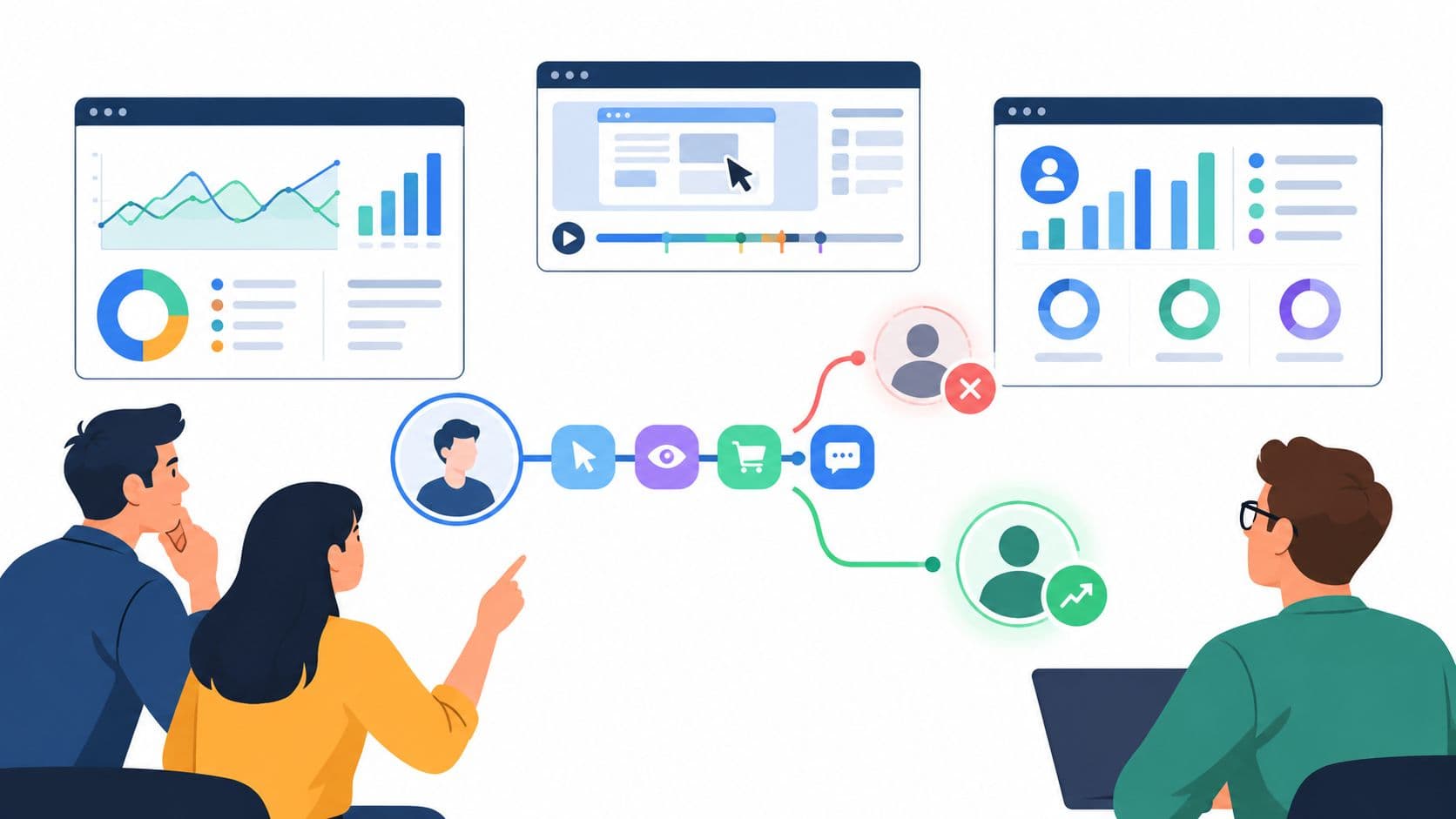
The popular advice is simple and wrong. Buy the behavior dashboard with the most charts and you'll supposedly know which accounts will churn, expand, or buy more. You won't. Behavioral analytics explains what users did, which features they touched, and where they dropped off. It doesn't, on its own, explain what a frustrated champion said on a sales call, what support heard three times this week, or which complaint is tied to a renewal that is at risk.
That's why the best behavior analysis programs shouldn't be judged by dashboard count. Judge them on behavioral depth, identity and account resolution, revenue context, activation and integrations, privacy governance, and total operating cost. In this list, Amplitude, Mixpanel, PostHog, Heap, and Pendo are strongest at structured behavioral analysis. LogRocket, FullStory, and Contentsquare emphasize replay and experience diagnosis. June focuses on account intelligence, while Google Analytics 4 works as an accessible web layer. Teams comparing user behavior analytics for marketing with product led use cases should keep that distinction clear. A complementary feedback intelligence layer such as SigOS can then connect qualitative customer signals to the behavioral patterns these tools find.
Demand is real, but it isn't a selection criterion by itself. The global behavior analytics market forecast from MarketsandMarkets projects growth from approximately USD 5.5 billion in 2024 to USD 13.4 billion by 2029, at a 19.5% compound annual growth rate, so buyers should normalize vendor claims against latency, retention controls, explainability, and time to value.
1. Amplitude
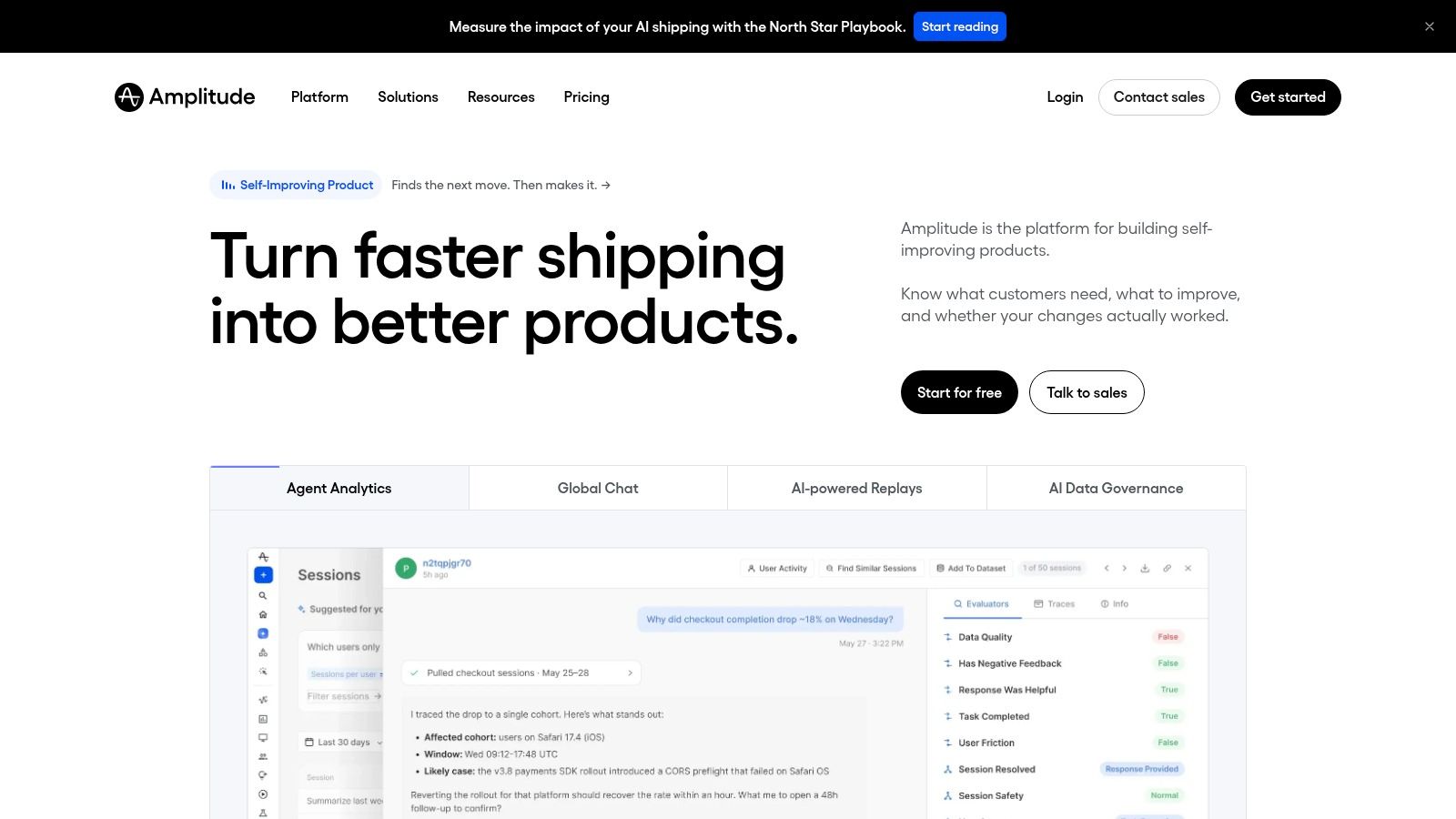
Amplitude is easiest to misbuy as a dashboard library. The useful test is narrower: can a growth analyst move from a retention dip to a behavioral cohort, the journey that preceded it, a replay, and an experiment without changing event definitions halfway? Amplitude is built around that chain, combining funnels, retention, user journeys, and behavioral cohorts with session replay and experimentation on one behavioral data foundation.
Where Amplitude Fits Best
For cross functional SaaS teams, it is the strongest all round option here when structured product analysis needs a path into tests. The breadth can reduce reliance on separate analytics and replay tools, which helps keep taxonomy, identity, and cohort logic consistent across product, data, and growth. The limit is classification: Amplitude remains product analytics. It can connect usage patterns to churn risk, expansion signals, and account movement, but the revenue meaning still depends on whether those cohorts are joined to named accounts, renewals, CRM stages, support history, and call context.
- Evaluation runway: Amplitude lists a free plan with 2 million events per month and unlimited seats on its Amplitude pricing page, which supports testing with real data before purchase.
- Main trade off: The range may exceed what a small team needs, and advanced functionality or higher usage may require a paid plan or sales conversation, so model event growth before instrumenting every interaction.
- Revenue caveat: Amplitude can show a cohort slipping. It will not tell you why that account's users are angry unless you join the behavior to CRM, support, and call context, which is the gap discussed in this guide to customer behavior analysis tools.
2. Mixpanel
Mixpanel's advantage is questioning speed. A product manager can compare two onboarding flows, inspect a funnel, or slice retention by cohort in Mixpanel without waiting on an analyst queue. The core reports cover funnels, retention, flows, and cohorts across web and mobile, which makes it strong for exploratory product analytics when curiosity is high and SQL capacity is thin.
The catch is governance. Autocapture and mobile analytics reduce collection effort, but they do not settle naming, required properties, identity rules, or schema drift. If those are loose, self serve changes from fast answers to fast disagreement.
Practical rule: Self serve analytics only works when event governance is boring, documented, and enforced. Otherwise you have democratized confusion.
Pricing and Limits to Check
Mixpanel lists a free tier with up to 1 million monthly events, 10,000 session replays, and unlimited seats on its Mixpanel pricing page, enough to validate real questions before purchase. The risk is metered growth: autocaptured events can expand volume faster than the questions they answer, and advanced analysis or higher usage can move the team into paid tiers or add ons.
Choose Mixpanel when web and mobile product teams need quick behavioral evidence for activation, retention, and conversion decisions. Its limit is revenue context: it can show which cohort is slipping or expanding, but churn reason, account risk, and renewal meaning still depend on joining usage to CRM stage, support history, contracts, and customer conversations. It remains product analytics; qualitative complaint evidence still lives in interviews, tickets, and calls.
3. PostHog
PostHog's appeal is easy to misread. The draw is proximity: analytics, session replay, feature flags, experiments, and surveys sit close enough for an engineer to move from a metric shift to the exact session or flag change behind it. PostHog suits teams that ship and debug in the same loop, because evidence stays near the code path that produced it.
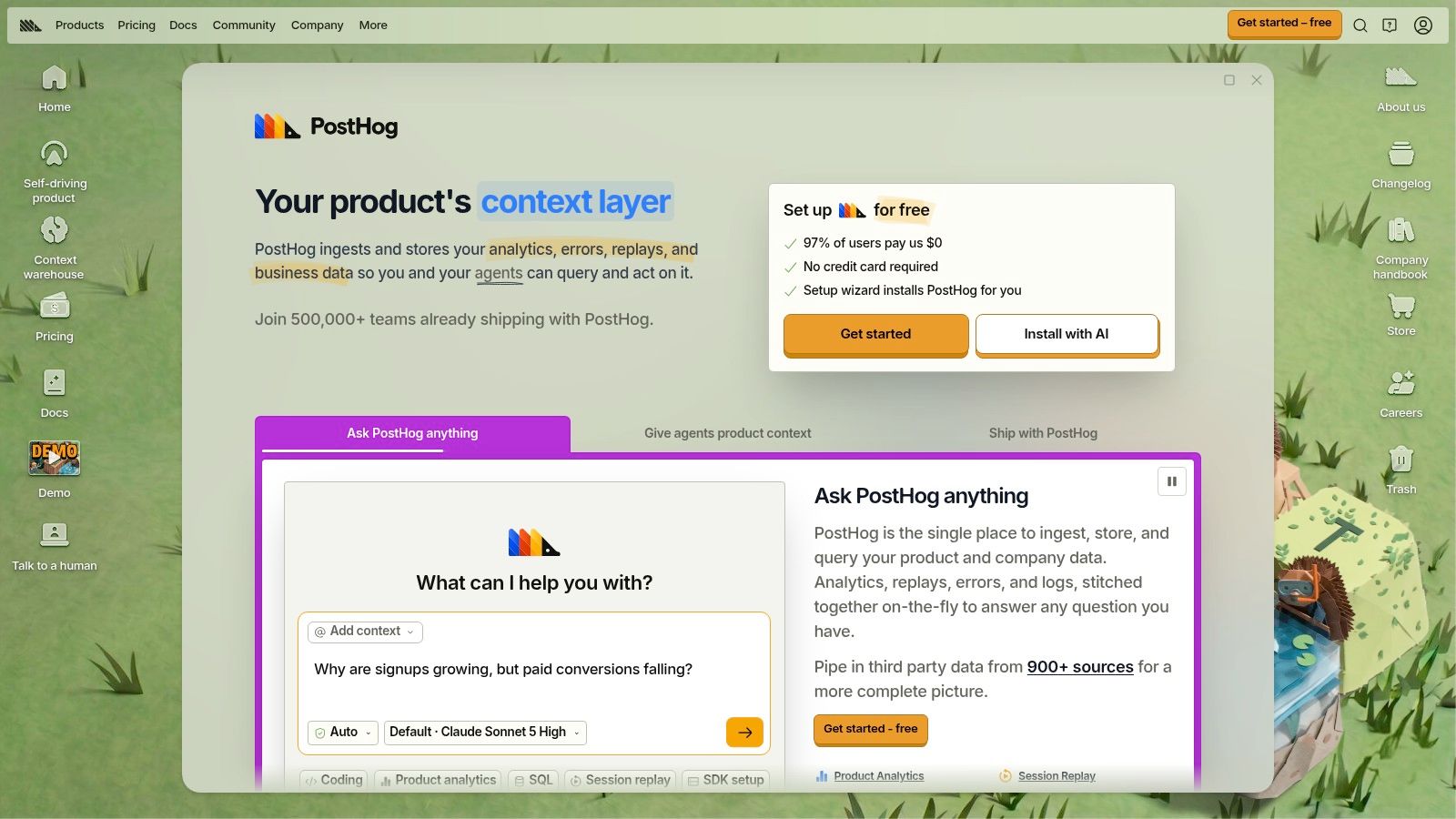
That breadth has a cost: more products means more configuration, more permissions, and more explaining when nontechnical stakeholders ask which number is safe to use.
- Free allowances: PostHog lists 1 million analytics events and 5,000 session recordings in its recurring free monthly allowances on the PostHog pricing page, with usage based pricing beyond that.
- Deployment choice: Self hosting can fit strict regulatory or architectural needs, but it turns uptime, upgrades, and maintenance into your team's workload.
- Meter risk: Events, recordings, flags, and experiments can bill on different meters, so a cheap pilot can become uneven spend once traffic or testing grows.
Choose PostHog when engineering wants control and product wants fewer vendors. Its ceiling is commercial meaning: it can tie behavior to activation or experiment impact, but churn reason, renewal risk, and expansion intent still need CRM, billing, support, and customer conversation context. Product analytics explains what accounts did; interviews, tickets, and calls still carry why they did it.
4. Heap
Heap starts from a different frustration. You didn't instrument that button three months ago, and now leadership wants to know who clicked it. Heap captures user interactions so teams can investigate behavior retroactively, without planning and manually instrumenting every event in advance. For exploratory questions that nobody anticipated during implementation, that can save a release cycle.
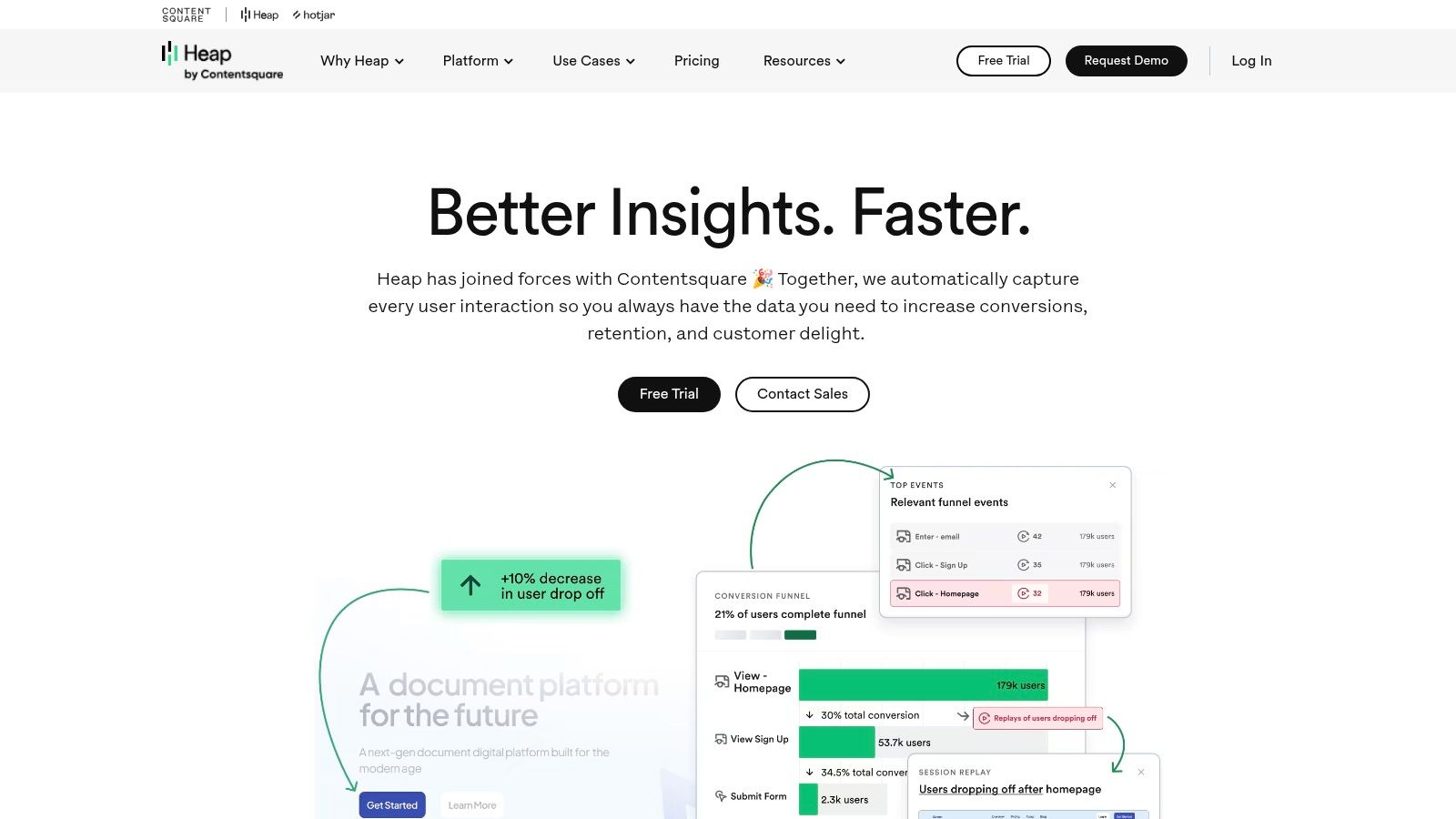
Retroactive capture isn't retroactive discipline. Broad interaction capture makes event definitions and metric governance more important, not less, because analysts can create plausible measures quickly and still disagree on what counts. That's the core tension in behavioral data analysis at scale. You gain flexibility, but you must assign owners for definitions.
Add Ons and Downstream Use
Heap covers product analytics for usage, journeys, and customer activity. Experience Analytics add ons include session replay, error analysis, and heatmaps, which add visual context to quantitative findings. Heap Connect can sync analytics data to a data warehouse depending on plan, supporting downstream workflows and activation.
The commercial caveat matters. Replay, heatmaps, and some data capabilities are add ons or plan dependent, and paid plan limits and pricing aren't fully transparent on the cited pricing page. Get the full configuration priced before your team builds habits around features you haven't bought.
5. Pendo
Most analytics tools stop at diagnosis. Pendo tries to close the loop inside the product. You find an adoption gap, then you respond with an in app guide, a survey, or an orchestrated journey. For teams whose churn risk traces back to undiscovered features rather than missing functionality, that evidence to intervention link is the point of Pendo, not an extra.
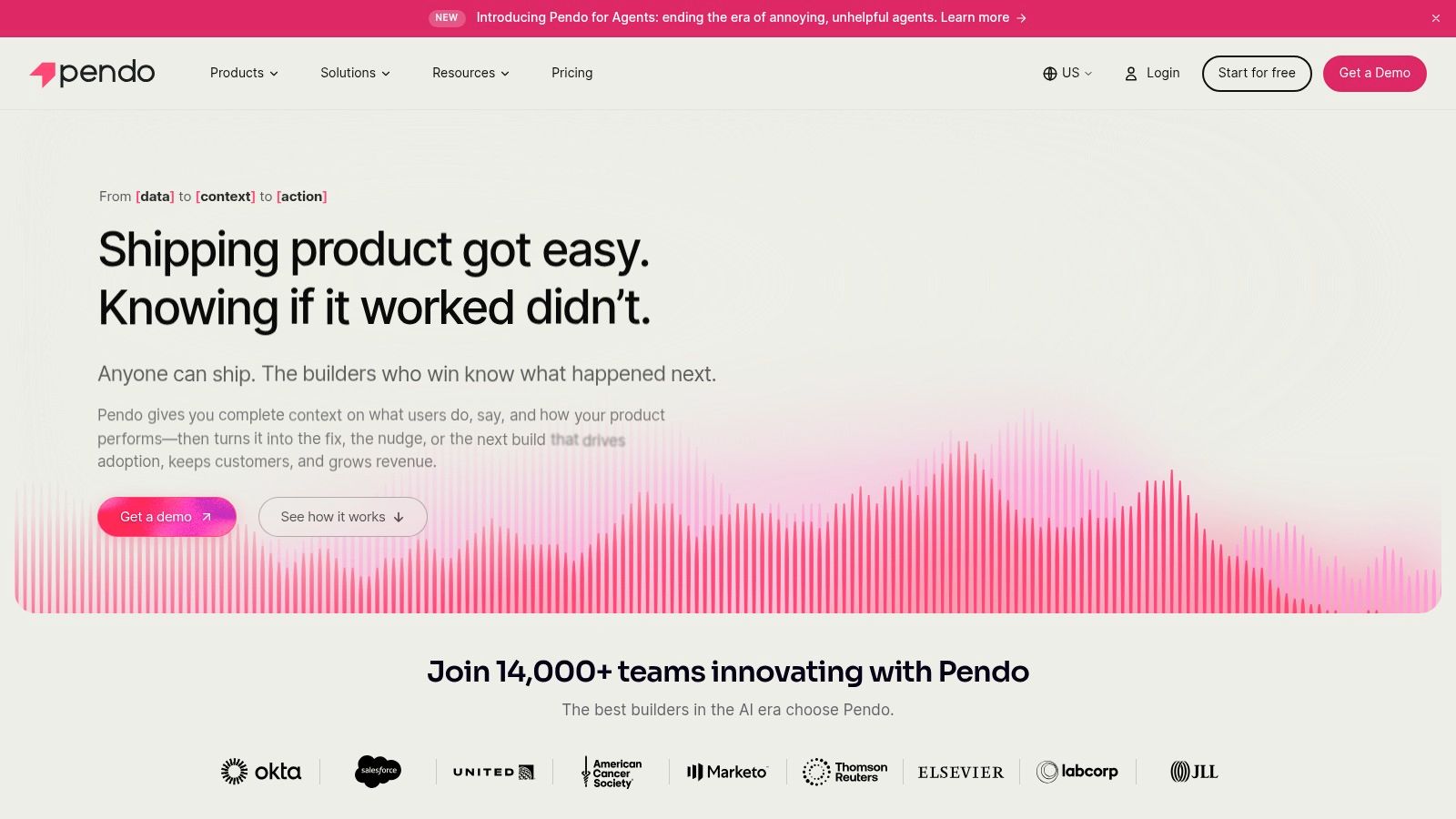
That positioning shapes who should buy it. If your bottleneck is deep cohort science, Pendo may not be your first stop. If the problem is accounts drifting toward renewal without ever touching the workflow you already shipped, its guidance layer becomes far more relevant than another funnel chart.
Pendo also straddles a line worth noting. Its surveys and feedback tools collect qualitative signal alongside behavioral data, which helps account health work, but the two streams deserve different weight. A guide completion is observed behavior. An NPS response is stated opinion. Treating them as equivalent evidence in churn or expansion decisions skews your read.
- Entry point: Pendo offers a free tier for up to 500 monthly active users according to its Pendo pricing information, plus a 30 day trial of broader platform capabilities according to Pendo.
- Plan dependent depth: Session replay is available on qualifying paid plans, and surveys and journey orchestration also depend on plan.
- Cost structure: Paid pricing is customized based on monthly active users and selected capabilities, and some capabilities require higher tiers or separate purchases.
The free plan's user limit may be too small for a growing SaaS product, so treat it as an evaluation wedge. Price the configuration you'll need at your next stage, not the one you can start with today.
6. Fullstory
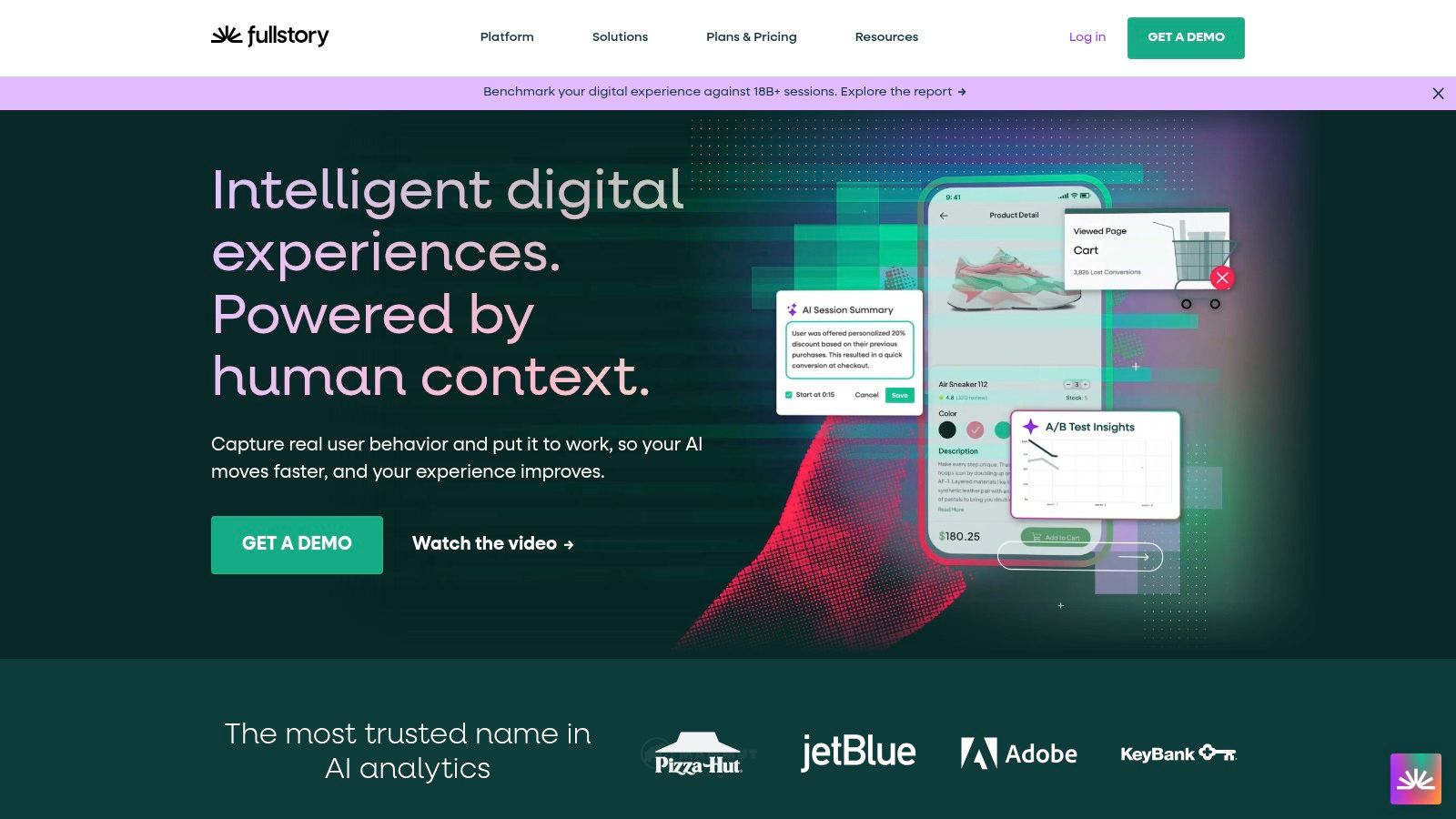
A funnel tells you conversion fell. It doesn't tell you the button overlapped the form on a smaller screen. Fullstory exists for that second question. It connects product analytics to session replay so teams can inspect the experience behind a metric, with interaction capture designed to provide context without relying solely on manual tagging. Product, engineering, and experience teams diagnosing friction will find that more useful than another aggregate report.
What to Verify Before You Commit
Advanced analytics such as journeys and conversions sit on higher plans at Fullstory, and enterprise controls vary by tier. FullstoryFree offers basic session insights and product analytics, which helps evaluation, but paid plan pricing isn't listed in the cited plan information. You'll need a sales conversation to understand true cost at your session volume.
Privacy deserves equal weight. Replay data requires attention to masking, access controls, and retention, especially in products handling financial or health related inputs. That governance work is central to responsible user behavior analytics, not a compliance afterthought. Fullstory fits best as a diagnostic layer for teams that already know which journeys matter and need to see why those journeys break.
7. Contentsquare
Contentsquare aims wider than event funnels. It's a digital experience analytics platform for understanding journeys and interactions across digital properties, which suits organizations trying to standardize how multiple teams investigate friction. Product analytics and Voice of Customer capabilities appear in parts of the platform, so it can combine experience related data types that smaller tools keep separate.
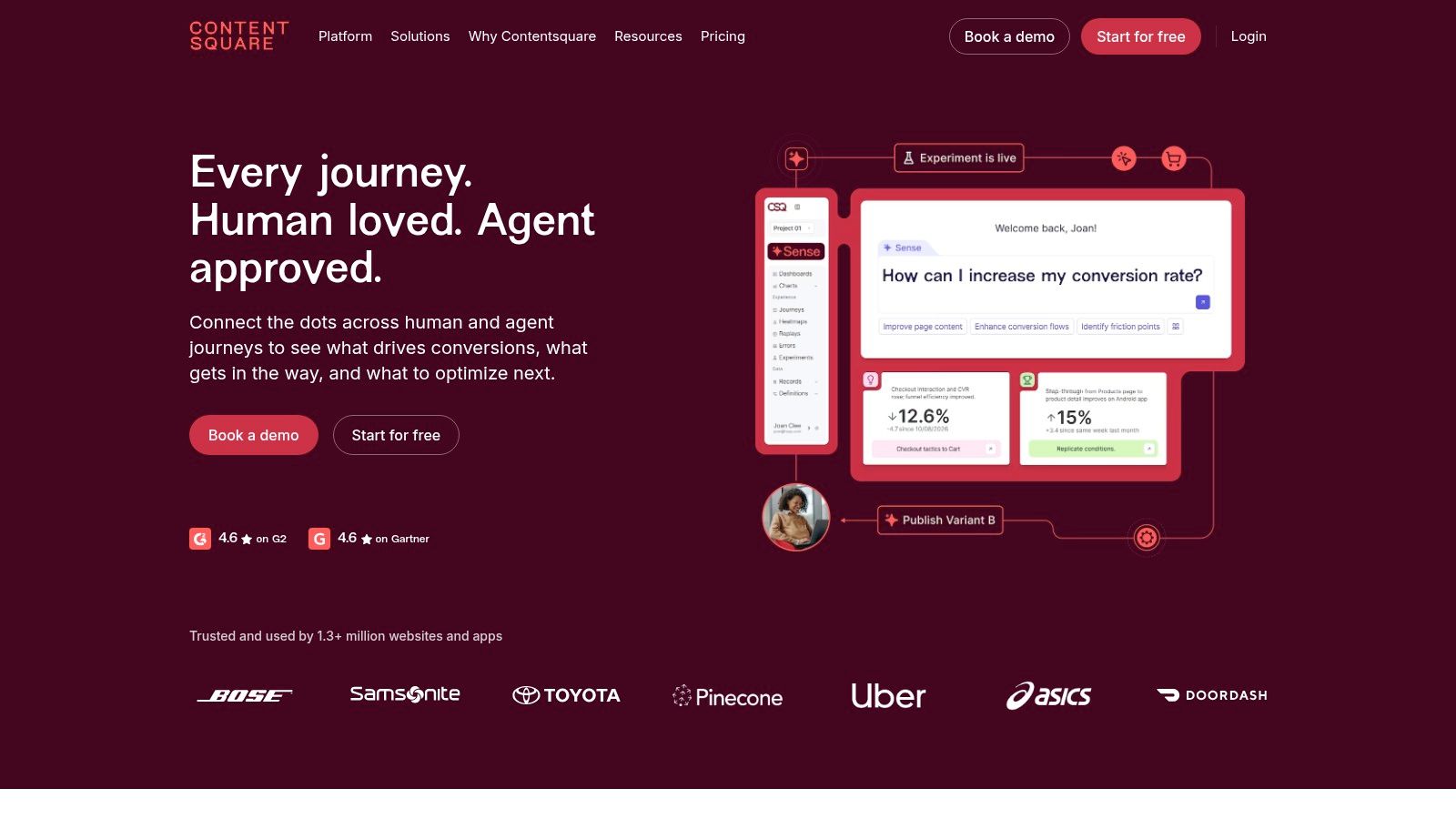
That breadth is both the argument for it and the reason to be careful. A small SaaS team that only needs activation funnels and retention cohorts may find the scope excessive, with implementation and training costs that outweigh the extra surface. A larger organization with several properties and shared experience standards may value exactly that consolidation.
Broader platforms don't remove the need for a sharp question. They raise the cost of not having one.
Pricing and precise plan fit at Contentsquare may require a sales conversation, and plan information describes differing data access and retention allowances. Verify which analytics, replay, and feedback capabilities are included in the package you're quoted. Buyers should also test whether account level SaaS usage questions are as natural to answer as website journey questions, because digital experience depth doesn't automatically translate into in product, account based analysis.
8. LogRocket
LogRocket is at its best when someone says the app broke and nobody can reproduce it. Session replay paired with developer oriented error and performance context lets engineers see the interaction sequence around a reported problem and connect user facing symptoms to technical troubleshooting. Support teams benefit too, because they can attach evidence to an escalation instead of relaying a vague description.
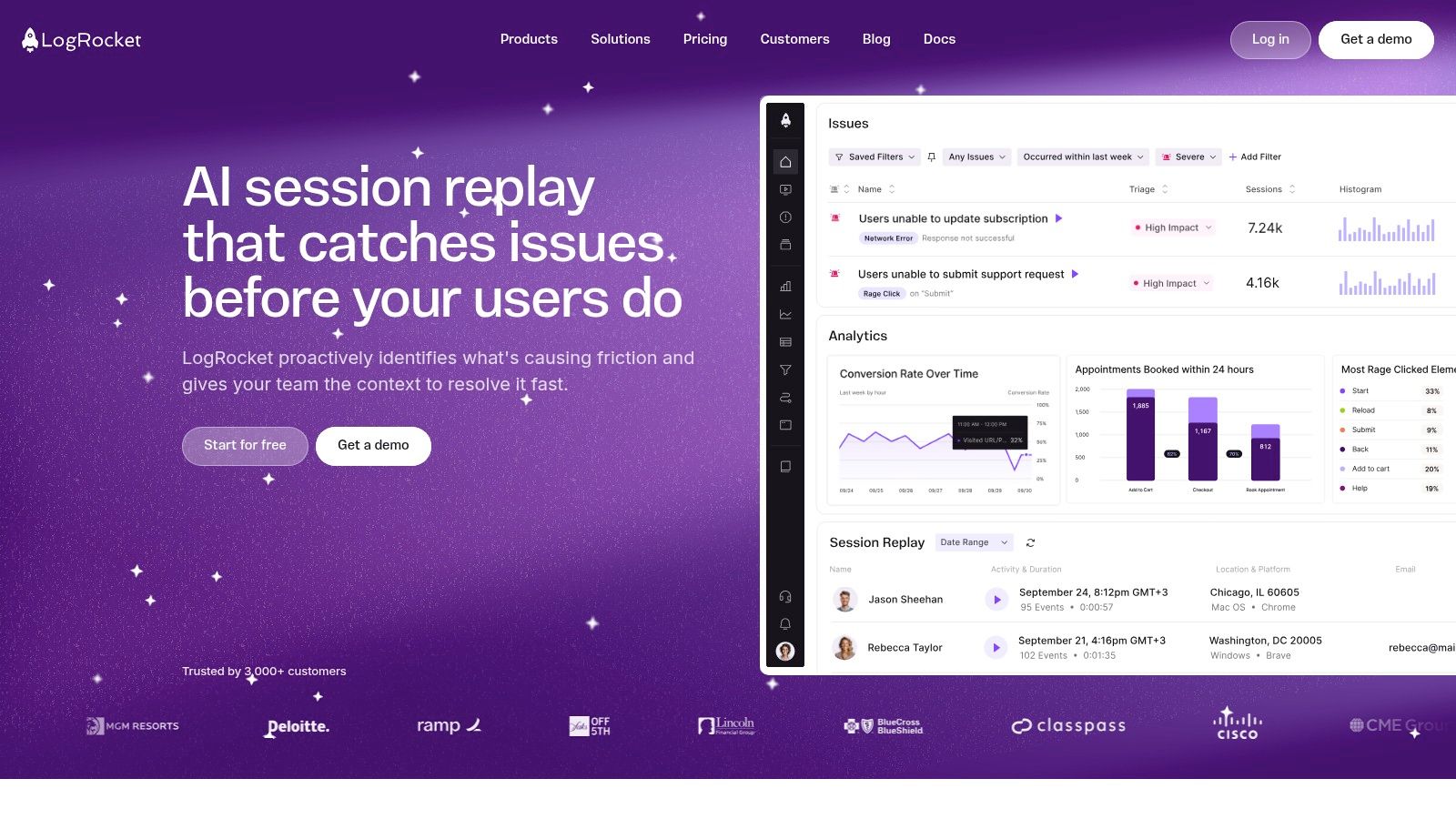
Don't mistake that strength for a full analytics strategy. A replay and debugging focus may not provide the cohort, retention, and revenue analysis of a dedicated product analytics platform. LogRocket complements event based analytics well. It replaces it poorly if your leadership questions are about activation, expansion, or long term retention by segment.
Operational Checks
Before adopting LogRocket, check capture limits, retention, and pricing against your actual traffic volume, because replay economics change fast as sessions grow. Replay collection also needs careful privacy configuration, including masking sensitive fields and limiting who can view sessions. Decide in advance which workflows trigger a replay review, such as error spikes, support escalations, or failed checkouts. Without triage rules, teams collect thousands of sessions and watch almost none of them, which turns a diagnostic tool into storage cost.
9. June
B2B SaaS has an account problem that consumer analytics often ignores. One user goes quiet while the account expands, or usage concentrates in a team that never signed the contract. June is designed for that reality, organizing usage metrics around users and company accounts so teams can read adoption at the level where purchasing happens.
The integrations reinforce that focus. According to June's help documentation, CRM integrations include Salesforce, HubSpot, and Attio, and its paid plan capabilities list a Stripe integration and SQL or AI based custom insights, as described by June. Company level analytics and audience alerts can then relate product behavior to customer context, which is closer to a churn or expansion conversation than a raw event count.
- Best fit: B2B products where usage, support burden, and renewal decisions sit at company level.
- Weak fit: Consumer products or teams needing complex, highly custom analytics may outgrow its focused scope.
- Pricing note: The paid plan is tiered by monthly active users and requires a quote, so forecast account growth before signing.
Confirm support for your specific data sources and workflows during evaluation. Account level views are only as reliable as your identity mapping between product, CRM, and billing records.
10. Google Analytics 4
Google Analytics 4 is the tool many teams already have and often misuse as product analytics. It's strong at measuring traffic acquisition, events, and conversions across web and app properties, and standard Google Analytics is available at no cost through Google Analytics. For understanding where visitors came from and which campaigns converted, that accessibility is hard to beat.
The limits appear once users log in and start using your product. Its web analytics orientation can make in product feature adoption and account level usage harder to analyze, and you may need separate tools for replay, product cohorts, or engineering diagnostics. Event definitions and data configuration still require care, because a free tool with sloppy events produces free confusion.
A Sensible Role for GA4
Use GA4 as a basic analytics layer alongside a product analytics tool, not instead of one. Let it own acquisition and website conversion behavior. Let a platform like Amplitude, Mixpanel, or June own authenticated product usage and account questions.
That division also protects your team from forcing one schema to serve marketing and product equally badly. GA4 belongs on this list of the best behavior analysis programs because many stacks start here. Just be honest about where its job ends, and don't ask it to explain SaaS retention.
Top 10 Behavior Analysis Programs Compared
| Platform | Core strengths | Standout value | Best for | Price / value |
|---|---|---|---|---|
| Amplitude | Funnels, retention, cohorts, replay, and experiments | 🏆 Broad behavioral toolkit on a shared data foundation | 👥 Cross-functional product, data, and growth teams | 💰 Free plan: 2M events/month; paid tiers for advanced features or higher usage |
| Mixpanel | Funnels, retention, flows, cohorts, and user-level analysis | ✨ Self-serve reports for web and mobile behavior | 👥 Product teams exploring usage without SQL for every query | 💰 Free tier: up to 1M events/month and 10K replays; costs may rise with usage |
| PostHog | Analytics, replay, feature flags, experiments, and surveys | ✨ Self-hosting option and an integrated developer toolkit | 👥 Engineering-led teams seeking technical control | 💰 Free allowances include 1M analytics events and 5K recordings/month; usage-based pricing |
| Heap | Product analytics with retroactive interaction analysis | ✨ Investigate questions that were not instrumented in advance | 👥 Teams needing flexible analysis of user journeys and activity | 💰 Paid pricing and limits are not fully transparent; some features are add-ons |
| Pendo | Product analytics, in-app guides, and surveys | 🏆 Connects usage insights with in-product onboarding | 👥 Teams focused on adoption and user guidance | 💰 Free for up to 500 monthly active users; paid pricing is customized |
| Fullstory | Behavioral analytics and session replay | ✨ Replay adds context to metrics, friction, and errors | 👥 Product, engineering, and experience teams | 💰 Free plan available; paid pricing is not listed |
| Contentsquare | Digital experience and journey analytics; some VoC capabilities | 🏆 Broad experience-analysis coverage across digital journeys | 👥 Organizations standardizing digital experience analysis | 💰 Pricing and plan fit may require a sales conversation |
| LogRocket | Session replay with error and performance context | ✨ Connects user-facing symptoms to technical troubleshooting | 👥 Engineering and support teams investigating hard-to-reproduce issues | 💰 Check pricing, capture limits, and retention for your traffic |
| June | Account-level analytics, alerts, and CRM/billing integrations | ✨ Relates company usage to customer and revenue context | 👥 B2B SaaS teams tracking adoption by account | 💰 Paid plans tiered by monthly active users; request a quote |
| Google Analytics 4 | Web/app events, acquisition, and conversions | ✨ Useful for traffic and website conversion measurement | 👥 Teams using Google's ecosystem or needing basic web analytics | 💰 Standard version available at no cost |
Build a Decision Stack, Not a Feature Checklist
Narrow by job, not by feature grid. Teams needing broad, self serve product analysis should shortlist Amplitude or Mixpanel. Engineering led teams that want flags, experiments, and analytics together may prefer PostHog. Heap is attractive when exploratory, retroactive questions dominate. Pendo fits adoption and in app guidance. FullStory, Contentsquare, and LogRocket emphasize experience diagnosis, June is strongest for account level B2B usage, and Google Analytics 4 works best as an accessible web and acquisition layer. Most serious stacks pair two of these categories rather than forcing one tool to do everything.
Architecture matters as much as interface. The Dataintelo behavior analytics market report estimates cloud based deployment at 58.4% of 2025 revenue, and it reports that 62.4% of enterprises experience longer time to value because of poor data quality or insufficient analytics expertise. Those two facts point to the same conclusion. Cloud delivery makes collection easier, but governance decides whether anyone trusts the output. Maintain a canonical event taxonomy, enforce required properties, detect schema drift, quantify missing or duplicated events, and monitor freshness before you automate any intervention.
Calculate the Real Cost
Calculate total cost before you commit. Include event volume, replay storage, retained users, implementation labor, integrations, warehouse syncs, and privacy controls. Add the analyst and engineering time required to keep identity resolution working across product, CRM, and billing systems. A cheap seat price with unpriced add ons, opaque tiers, or heavy self hosting duties can cost more than a transparent usage plan.
Selection test: If a vendor can't show how a behavioral cohort joins to an account, a renewal date, and a support history, it isn't a churn tool. It's a reporting tool.
For churn and expansion prediction, validate that behavioral cohorts can be joined to account, CRM, billing, and support context rather than assuming a behavior dashboard provides those answers alone. Test precision and false positive cost against holdout periods, because alerting customer success on every usage dip trains them to ignore alerts. Human review should gate high impact automated actions.
A complementary feedback intelligence layer such as SigOS can help teams surface recurring issues in support tickets, chats, sales calls, and usage data, then estimate churn or expansion impact before those signals reach a technical product analytics workflow. That separation is healthy. Behavioral tools quantify what changed, while qualitative evidence often explains why it changed and which accounts feel it most.
Close with a time boxed proof of concept using one real churn case, one expansion case, and one cross team reporting workflow. Use your own events, your own account mapping, and your own privacy requirements. The winning platform is the one that moves from raw events to a ranked, revenue linked intervention with the least manual preparation, not the one with the longest feature list.
If your behavioral data shows usage slipping but doesn't explain which customer complaints are driving churn or blocking expansion, SigOS can connect support tickets, chats, sales calls, and usage signals to revenue impact so your team prioritizes the issues costing real money. Visit SigOS to see how that feedback intelligence layer works alongside the behavior analysis program you already use.
Keep Reading
More insights from our blog

Ready to find your hidden revenue leaks?
Start analyzing your customer feedback and discover insights that drive revenue.
Start Free Trial →