10 Product Feedback Tools for Product and CS Teams
Compare 10 product feedback tools for support, NPS, in-app and session recordings, with honest limits and integration notes for product and CS teams.
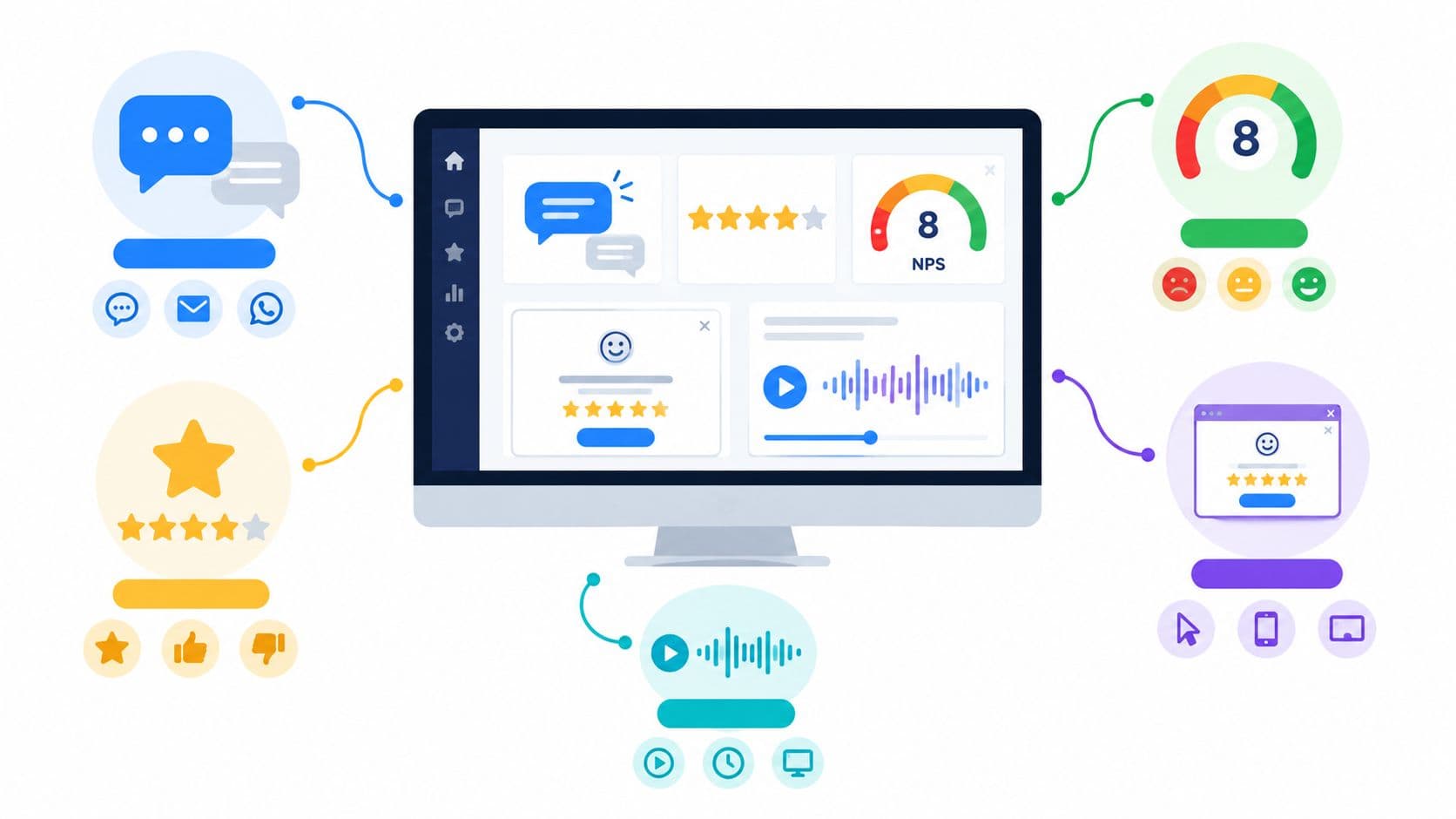
A product manager opens the morning queue and sees the same mess in three places. Support tickets are full of complaints, the NPS export is sitting in a spreadsheet, and feature requests are scattered across chat threads, sales notes, and a half-used idea board. That's exactly why product feedback tools exist, but no single category catches every source well. Some tools are strongest on support tickets, others on NPS verbatims, in-app prompts, session behavior, or idea boards, so the right choice depends on where your real signal lives. For a broader view of collection methods, compare feedback collection methods.
This list groups the tools by the feedback they handle best, then calls out what each one doesn't do well. That matters for product and CS teams sharing one stack, because the wrong tool can create a second backlog instead of reducing the first. A board tool won't fix behavioral blind spots. A research repository won't replace a request workflow. And a survey tool won't automatically tell you which complaint is tied to churn risk.
1. SigOS
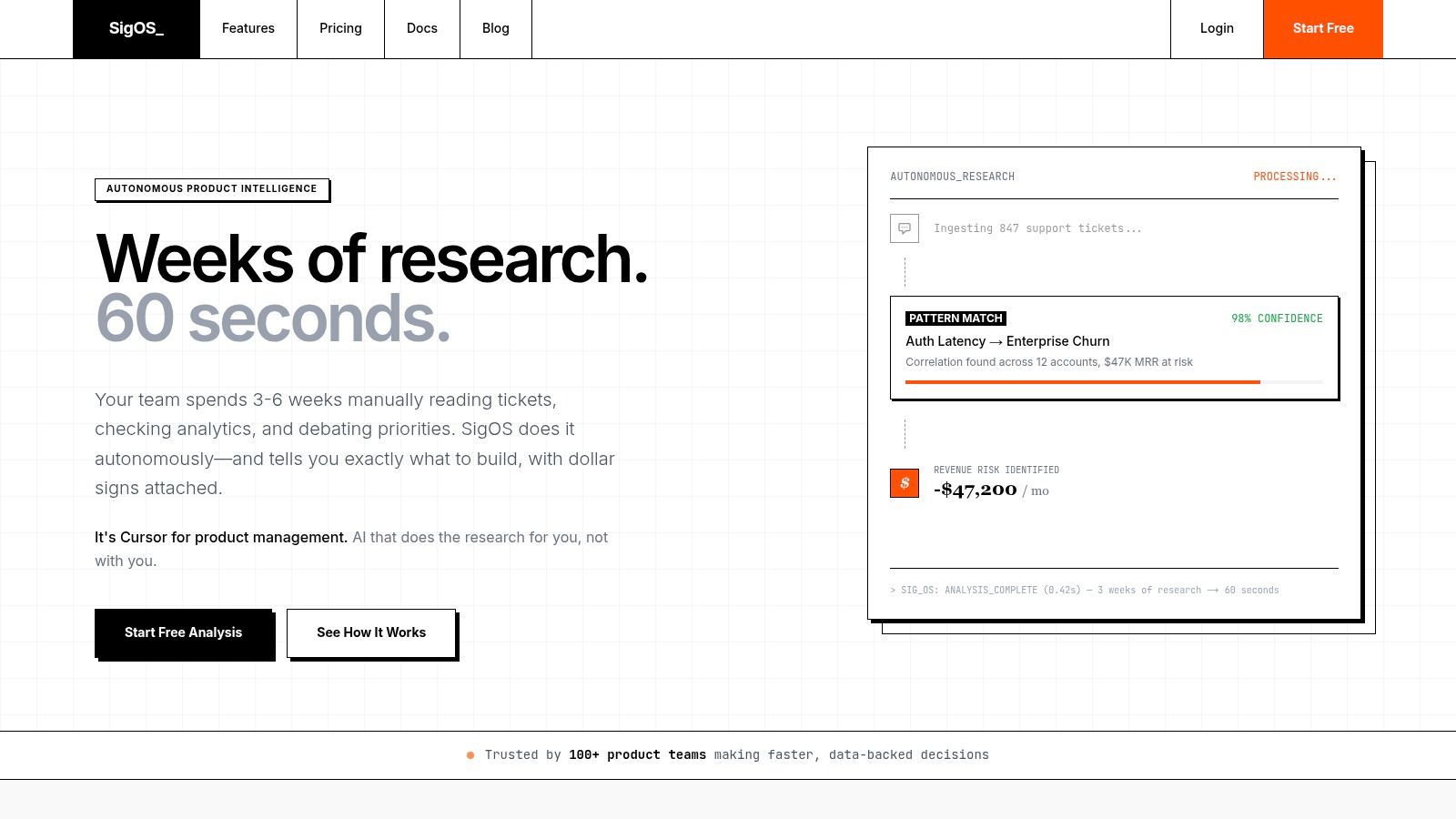
SigOS suits teams whose feedback is spread across support tickets, conversations, sales calls, and product usage data. It adds a revenue lens to that material, helping teams connect recurring complaints with business impact instead of managing another unprioritized inbox. The product describes itself as a “Cursor for product management,” a useful framing for teams that need help deciding which problems deserve engineering time first.
Why it fits mixed feedback backlogs
SigOS is a strong fit for support tickets plus usage data plus billing context. That combination helps product teams distinguish a frequent request from one linked to retention, expansion, or revenue risk. It can also create issues in Zendesk, Intercom, Linear, Jira, and GitHub. Product and CS teams sharing those systems can avoid copying the same problem into several workflows.
The main trade-off is data quality. Connected sources give the platform more context on what is costing money and what may support growth. Thin or disconnected sources reduce the quality of those conclusions, making the product harder to justify.
Practical rule: choose SigOS when you need one layer connecting what users say, what they do, and what they pay, then turning that context into a defensible priority list.
Who should skip it
Skip SigOS if you need only a lightweight public board or a simple voting feature. It is also a weak fit for teams with little usage or billing data to compare with feedback. The public site does not list pricing details, so procurement should expect a sales conversation.
Pros
- Revenue-first prioritization. It frames feedback in business terms, helping teams compare requests by likely impact.
- Fast analysis. Quick processing helps when ticket volume changes constantly.
- Broad integrations. Zendesk, Intercom, Jira, GitHub, Segment, Mixpanel, Stripe, and Salesforce support shared product and CS workflows.
- Measurement-minded. Before-and-after tracking helps teams check whether a fix changed the metric they selected.
- Security-conscious. Encryption and the stated policy not to retrain on customer data can support enterprise review.
Cons
- Needs connected data. Sparse sources limit the platform's usefulness.
- Pricing is opaque. The site offers a free first analysis but does not show full pricing tiers.
Website: SigOS product intelligence platform
2. Productboard
Productboard is a better fit when the source is a steady stream of mixed feedback and the team wants a formal path from request to roadmap. It centralizes qualitative input, links it to ideas, and gives product managers a way to explain why one request made the cut over another. That matters when product leadership wants a clear rationale instead of a loose collection of comments.
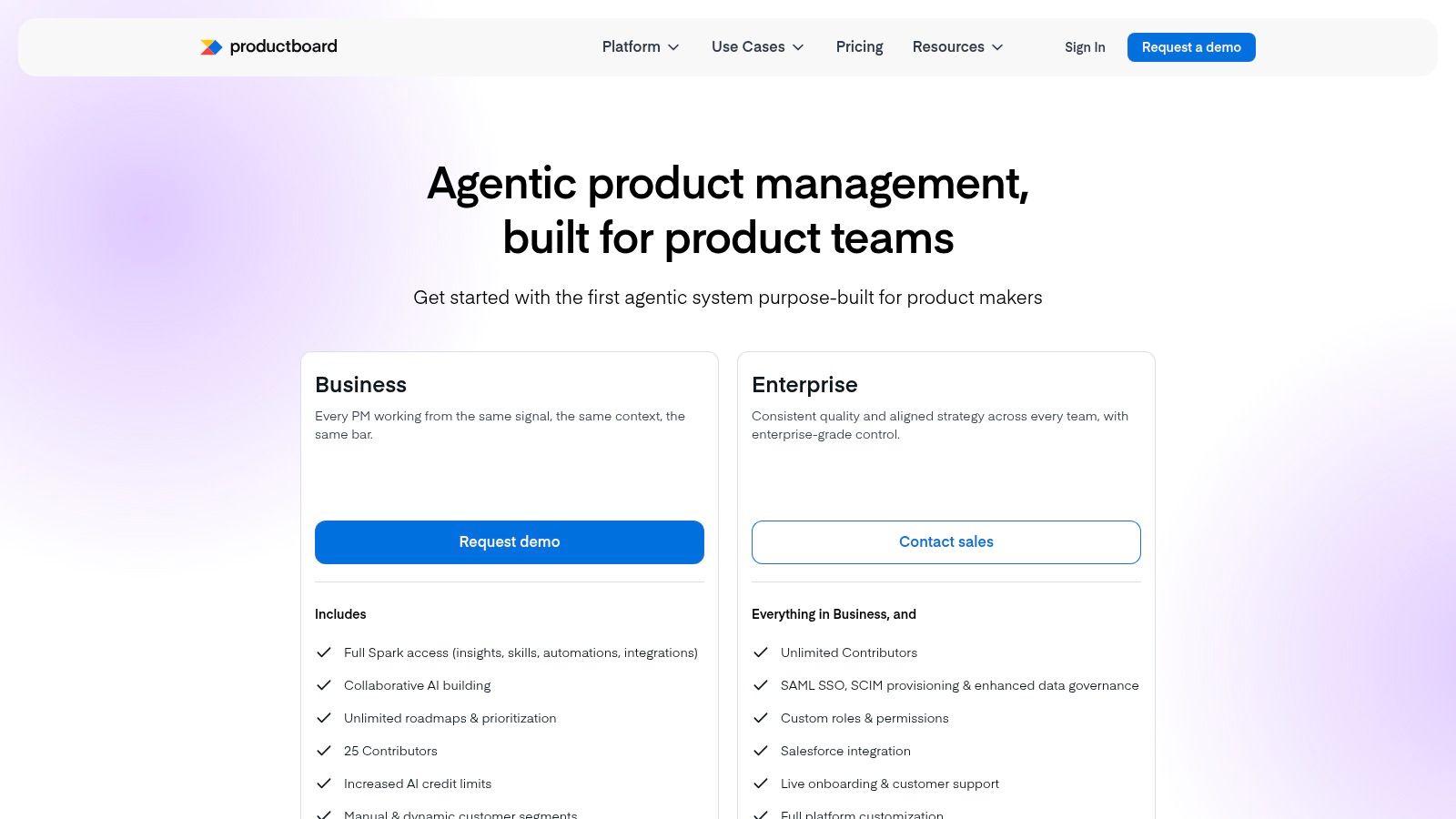
Productboard works best on general inbound feedback and structured idea prioritization. It's strong when PMs need to consolidate internal notes, customer requests, and roadmap communication in one place. It's less compelling if you only want a simple request board, because the broader product-management suite can feel heavier than necessary.
Where it wins and where it drags
The built-in portal is useful for collecting ideas and closing the loop. The integrations with Jira, GitHub, Amplitude, and Mixpanel make it easier to connect feedback with product work and product data. For larger teams, that workflow consistency can be worth the overhead.
The downside is cost structure and scope. Productboard pricing is published per maker, so the total can rise quickly as more people need access. If you only need a thin feedback layer, you may end up paying for capabilities you won't use.
Best for
- Roadmap-driven product teams. You need clear prioritization and stakeholder visibility.
- Teams with multiple sources. You want to centralize notes, requests, and internal inputs.
- Organizations that close the loop publicly. A portal helps users see that their input wasn't ignored.
Skip it if
- You only need a lightweight board. The product suite may be more than you need.
- You want pricing simplicity. Per-maker pricing can get expensive as the team grows.
Website: Productboard pricing
3. Pendo Feedback
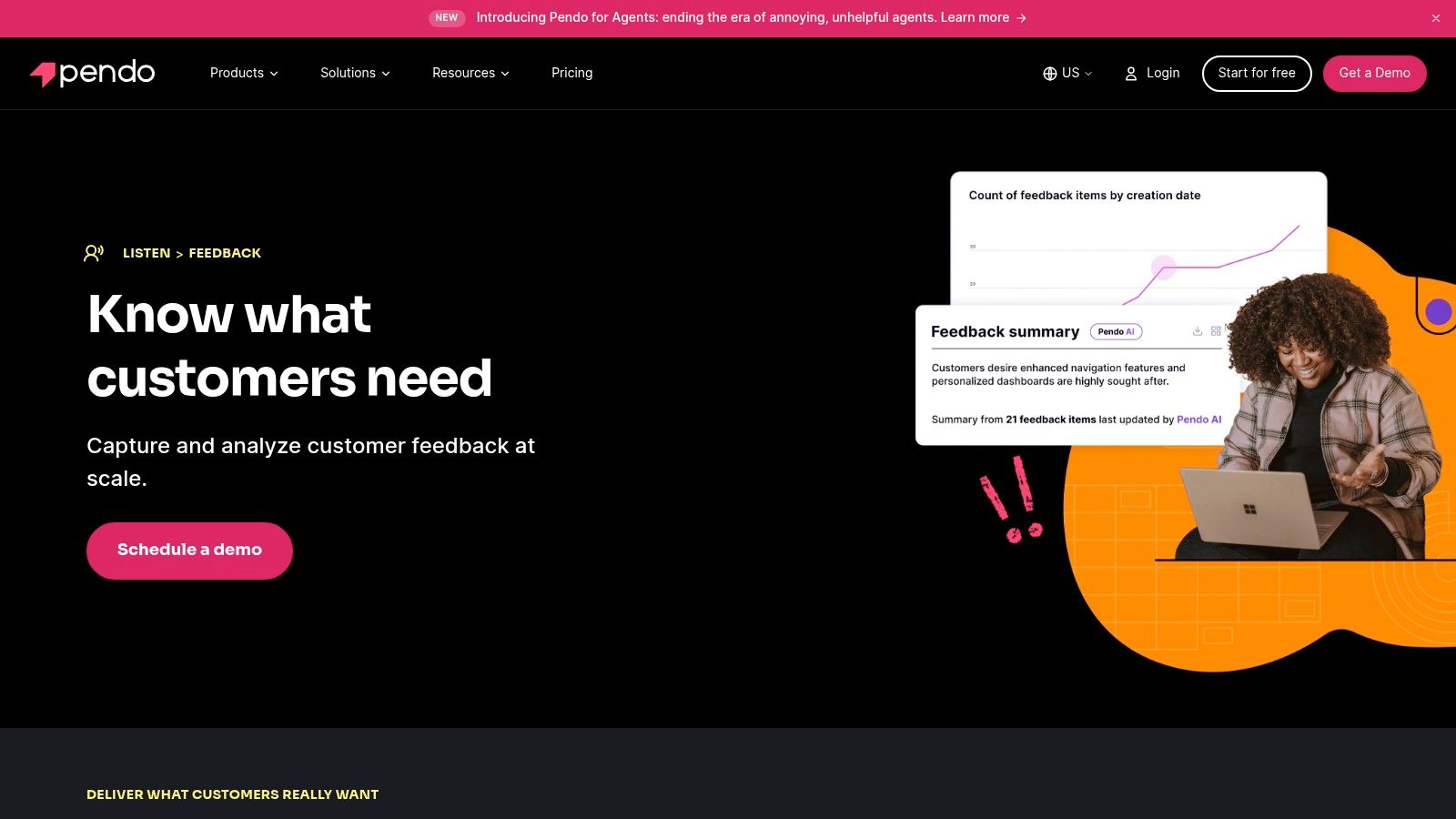
Pendo Feedback fits teams whose richest input comes from in-app product requests and account-level usage context. A request can sit beside the behavior that prompted it, helping product and customer success teams compare what users ask for with how they use the product. That context is its clearest distinction from a standalone idea board.
The fit is strongest for organizations already using Pendo analytics or in-app guidance. Feedback then extends an existing workflow instead of creating another system for product requests. Teams evaluating it only for collection should weigh the broader platform commitment before adopting it.
Pendo can also consolidate requests that arrive through support, sales, and customer success. Voting, prioritization, and AI-assisted summaries reduce manual sorting, while CRM and support integrations help preserve account context. That combination suits a shared product and CS process, especially when teams need to connect a request to usage or customer history.
The trade-off is packaging and price visibility. Pricing depends on MAUs and selected modules, so buyers generally need a quote to estimate the full cost. That makes direct comparison harder for feedback-only projects, where a focused request board may be easier to assess.
Pendo Feedback makes the most sense when feedback already comes from the product or connects directly to an account record.
Choose it when
- Pendo is already part of your stack. Existing analytics and guides give the feedback layer more context.
- Requests arrive through several channels. CRM and support connections can bring them into one workflow.
- Usage should shape prioritization. Product behavior adds evidence beyond votes or request volume.
Skip it when
- You need feedback collection alone. The wider suite may add scope you will not use.
- You require upfront pricing. Module and MAU-based packaging means sales contact is usually part of evaluation.
Website: Pendo Feedback
4. Canny
A request disappears in chat, then resurfaces months later with no context. Canny addresses that specific failure with a feature request board built for public feedback, voting, status updates, and changelogs. It gives SaaS teams a visible intake loop without requiring a full product management suite.
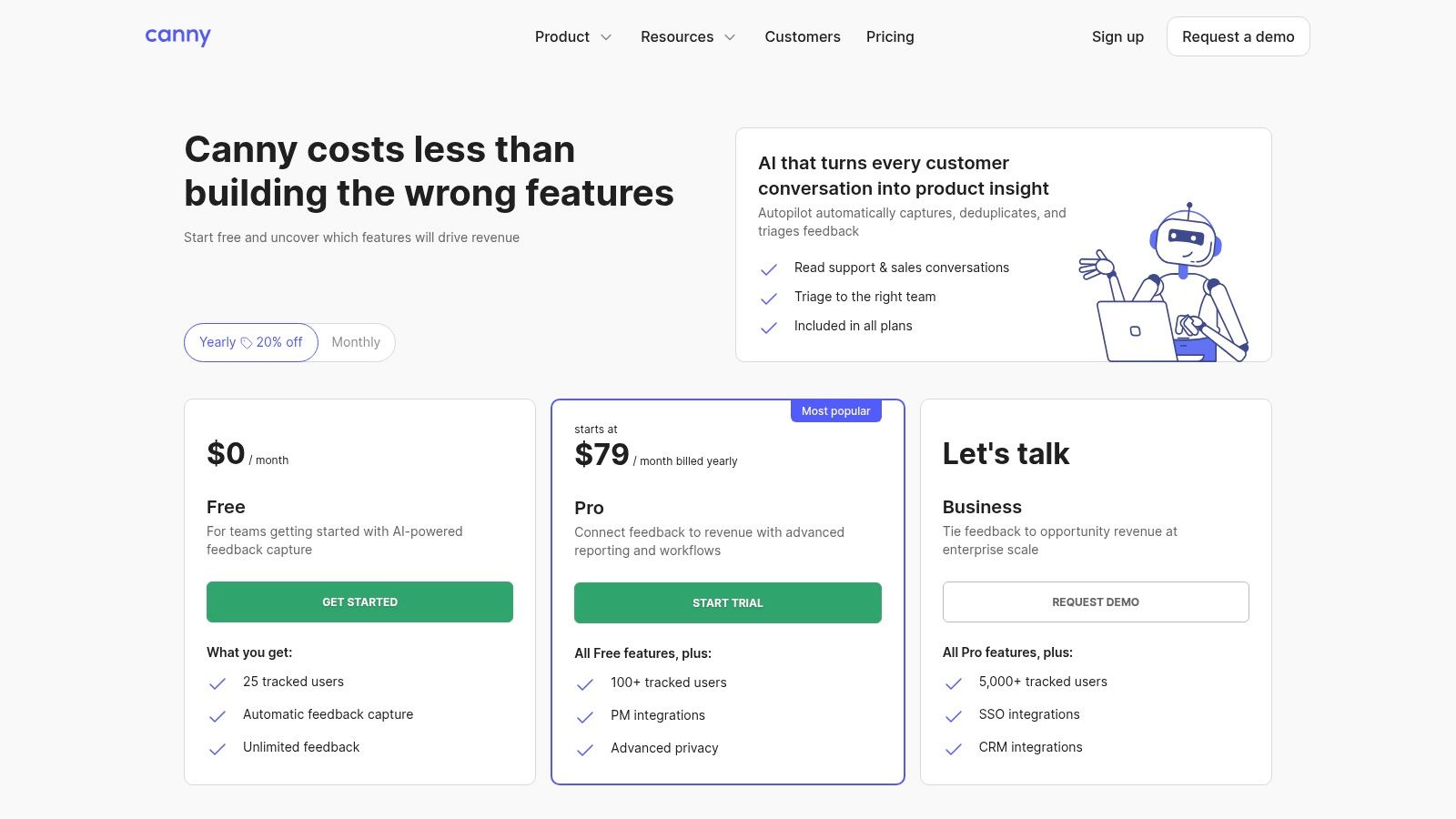
Its strongest source is the idea board. Public requests, votes, and progress updates help product teams show that feedback reached the backlog and what happened next. The model is less useful for behavioral evidence, revenue analysis, or research spread across several channels. Teams comparing options can use this customer feedback platform overview to place Canny alongside broader feedback systems.
Canny fits a shared product and customer success workflow when the main problem is scattered requests. Jira, Intercom, and Zendesk integrations can connect the board with delivery and support operations. The setup is relatively quick, and users can follow request status without repeated manual updates from product managers.
The trade-off is analytical depth. Canny does not aim to be a research repository or product analytics system, so teams still need other tools to connect requests with usage patterns or business impact. Pricing scales with tracked users, which means costs can change as adoption grows. Its public pricing information helps initial evaluation, but buyers should check how tracked-user growth affects the wider stack.
Choose Canny when
- A public or private request board is the main requirement.
- Users need voting, status updates, and changelogs.
- Product and support teams want limited administration.
Skip Canny when
- Feedback spans many sources and needs advanced cross-channel analysis.
- The platform must quantify business impact automatically.
- Tracked-user pricing could become difficult to forecast.
Website: Canny pricing
5. UserVoice
UserVoice is designed for a high-volume enterprise request stream, especially when duplicate submissions create more work than collecting new ones. Its workflow groups related requests, routes them to the right stakeholders, and supports updates without hiding the original customer signal.
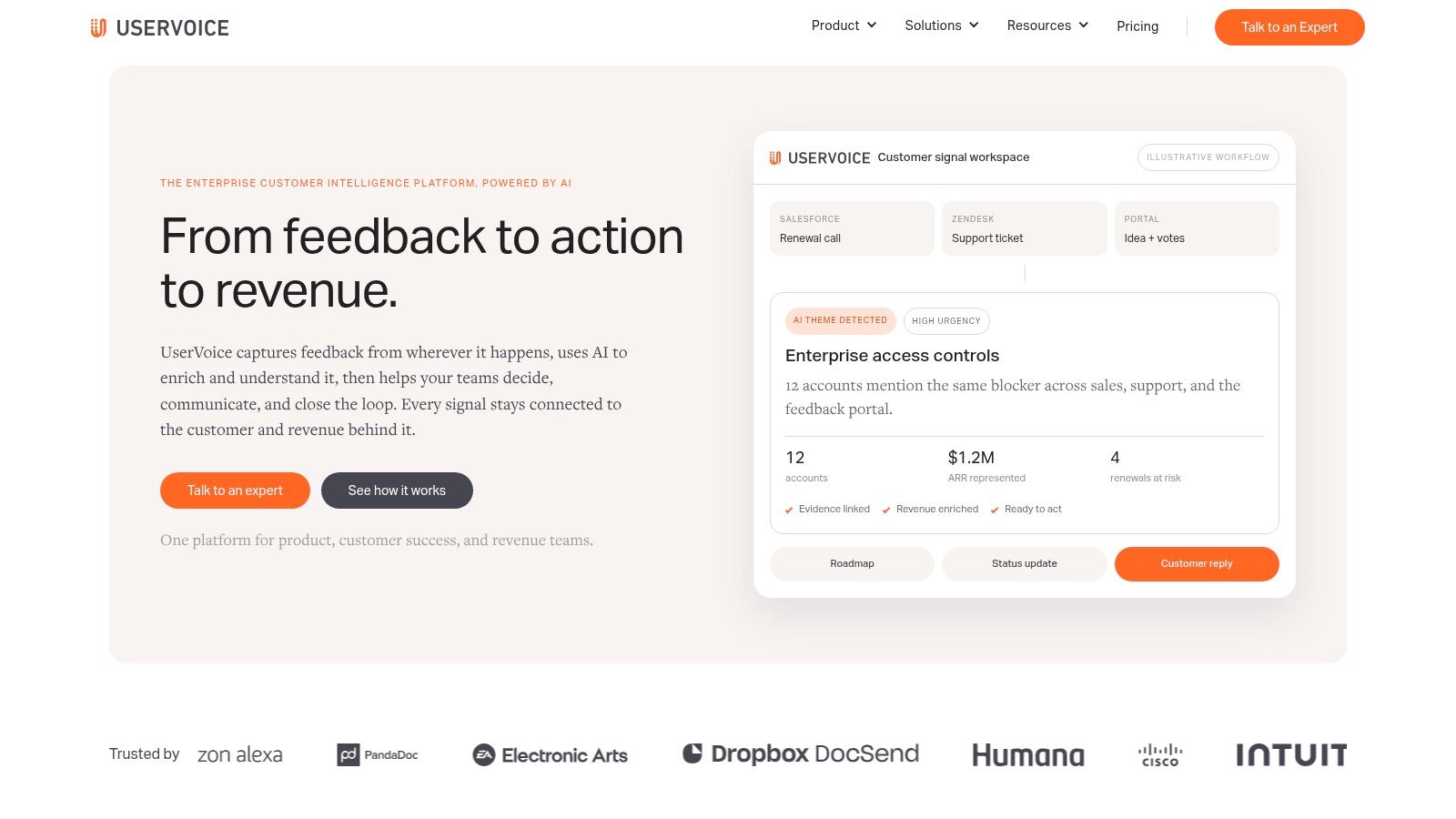
The strongest fit is formal product operations. Product and customer success teams can manage larger volumes, coordinate decisions, and show what happened after feedback was submitted. UserVoice is less suitable for a small team that needs a simple board and can manage requests manually.
Its main advantage is control over intake and organization. Centralized collection, grouping, and stakeholder updates make recurring requests easier to review and communicate. Usage-oriented packaging may also suit larger customer-facing teams better than a strictly seat-based model.
Pricing visibility is the practical limitation. Public pricing is limited, so procurement and stack planning may take longer. The product also has an enterprise-first feel. That helps teams that need governance, but can slow down teams that value a quick, lightweight setup.
Choose UserVoice when request duplication is creating more operational work than new feedback collection. Skip it if your team needs transparent self-serve pricing, has limited request volume, or wants a low-overhead tool for an early-stage workflow.
UserVoice is a poor match for feedback centered on session behavior or in-app prompts. Those sources need behavioral context and targeted collection, while UserVoice is primarily an intake and request-management system.
Best fit
- Enterprise product teams managing complex request workflows.
- Product and customer success teams that need shared routing and updates.
- Organizations prioritizing de-duplication across a large request stream.
Skip UserVoice if
- Clear self-serve pricing is required.
- A lightweight request board is enough.
- Feedback volume is too low to justify added process.
Website: UserVoice
6. Hotjar Surveys and Feedback
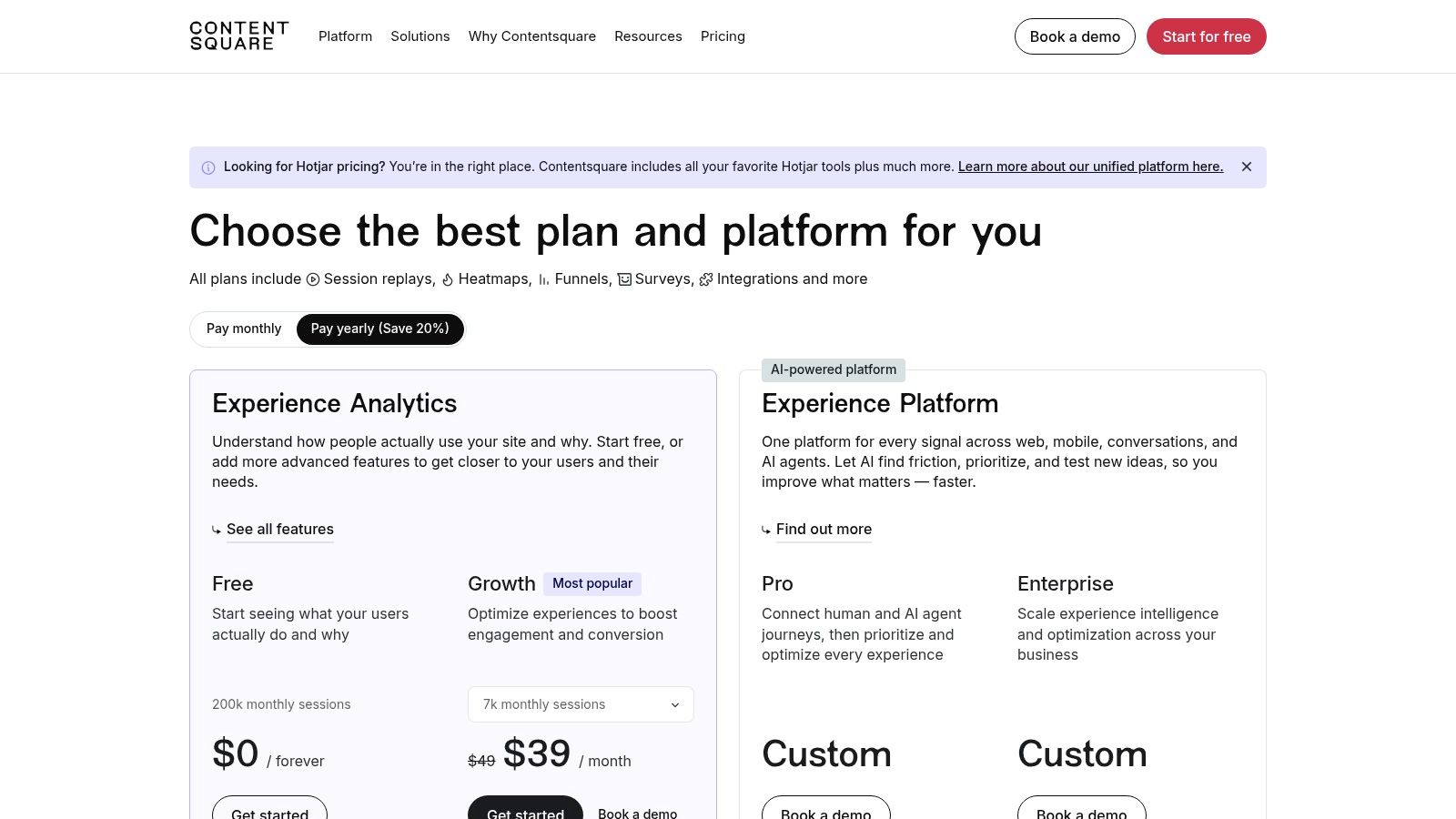
A user reports that checkout feels confusing, but the survey answer alone does not show where the problem occurs. Hotjar connects in-app feedback with user behavior, letting product and customer success teams review the response alongside heatmaps and session recordings. That combination can reveal hesitation, repeated clicks, or an abandoned step.
Hotjar suits UX-heavy work and targeted investigation of a specific journey. Product teams can place a microsurvey on a page, then inspect the related behavior. CS teams can use the same context when a customer reports friction. The trade-off is scope. Hotjar is not a full product analytics suite, so teams that need advanced behavior modeling may need another tool.
Use Hotjar when feedback must be captured at the moment of interaction. URL and audience targeting keep prompts tied to a page, flow, or feature, which produces more useful responses than a broad survey sent without context.
Its feedback source is session behavior, supported by immediate user comments. It is less suitable for roadmap governance, request deduplication, or prioritization across a large backlog. Treat it as a capture and validation layer rather than the system of record.
Hotjar's setup is quick, but traffic and session volume affect pricing. That model can work for teams monitoring a focused product experience, while larger sites should forecast usage before standardizing it across product and CS workflows. Public pricing details are available on the Hotjar pricing page.
Choose Hotjar if
- Session behavior is needed to interpret feedback.
- Targeted in-app prompts matter more than a request board.
- Product and CS teams need shared evidence about a specific journey.
Skip Hotjar if
- You need roadmap governance or request ownership.
- Deep product analytics must live in one system.
- Transparent usage costs are a firm requirement.
Hotjar is a strong companion tool, but teams seeking one place for intake, prioritization, and delivery should choose a broader feedback platform.
7. Sprig
A product team preparing a new onboarding flow can test the concept, screen participants, and collect reactions inside the product before committing engineering time. Sprig fits this job best. Its strongest feedback source is in-app micro-feedback, supported by targeted surveys, concept tests, and usability studies.
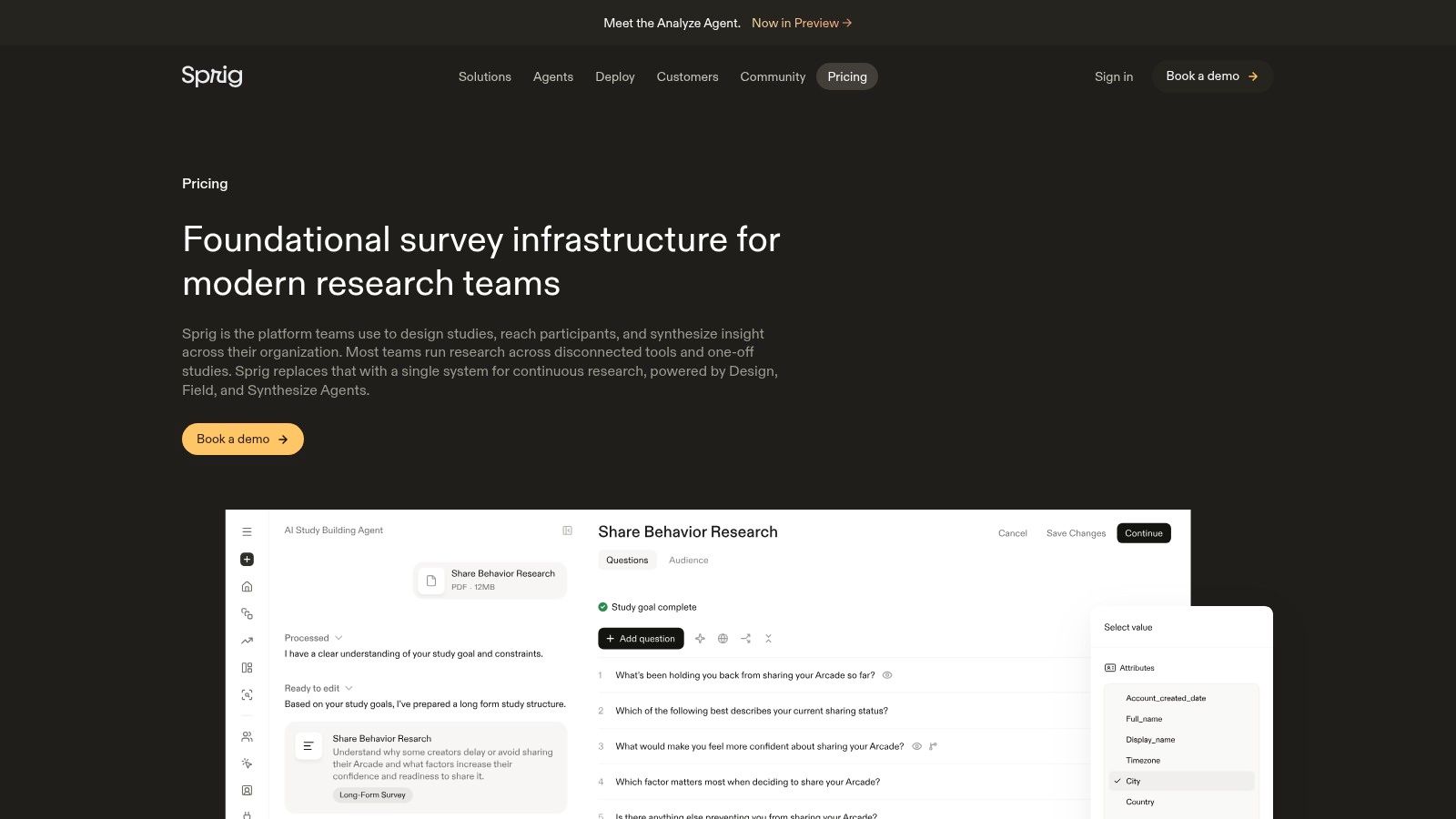
Sprig sits between lightweight survey software and formal research tooling. Screeners, quotas, and bot detection help product managers and researchers control response quality. AI-assisted study design and synthesis can also reduce the time needed to turn raw responses into a usable summary. Those controls matter when a team needs evidence for a product decision, rather than a large response count.
The trade-off is workflow scope. Sprig is not a customer-facing idea board, support-ticket repository, or shared system for consolidating sales and CS requests. Product and customer-facing teams can connect its findings to their wider stack, but they may still need a separate tool for ownership, deduplication, prioritization, and roadmap communication.
Use Sprig for continuous discovery and point-in-time validation. Skip it if your main problem is governing a large request backlog or collecting public votes. Teams that require fully visible pricing for advanced capabilities should also review the buying process early, since sales engagement may be required.
Sprig works best when research discipline matters more than centralized feedback governance. Its public pricing information is available on the Sprig pricing page.
8. Survicate
Survicate fits teams that collect survey-based feedback across web, in-app, mobile, and email. A product manager can run NPS, CSAT, CES, or product research without introducing a heavy research workflow. Its broad channel coverage also lets product, CS, and marketing use one survey layer for different questions.
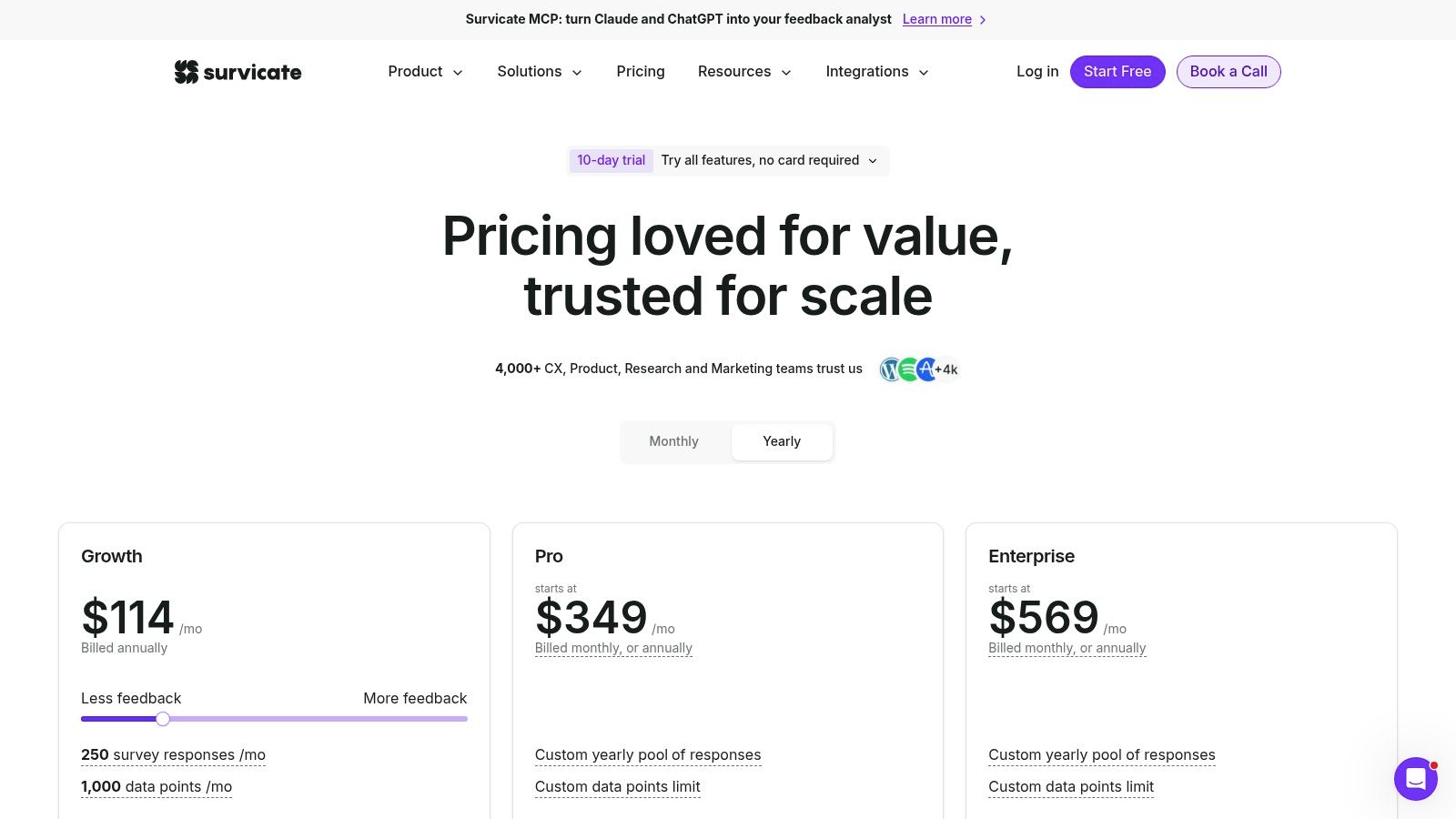
The strongest use case is a team that needs answers quickly and wants non-researchers to read the results. Survicate connects with CRM and support tools, so findings can reach the systems used by product and customer-facing teams. That integration helps with distribution and follow-up, but it does not replace a shared repository for deduplication, ownership, prioritization, or roadmap decisions.
Choose it when survey deployment is the bottleneck. Setup is relatively light, making it suitable for SMB and mid-market teams that want to start collecting feedback without building a larger research operation.
Skip Survicate if your main source is a complex request backlog, a public idea board, or roadmap governance. Survey responses still need another workflow for merging similar requests and assigning action. Higher response volumes and advanced plans also require sales-assisted upgrades, so pricing becomes less predictable as usage grows.
Product and CS teams sharing one stack should check the required integrations and expansion terms before standardizing on it. Public pricing details are available on Survicate pricing.
9. Dovetail
Dovetail is strongest when the source is unstructured qualitative feedback, such as interviews, transcripts, support conversations, and other text-heavy inputs. It gives product teams a searchable repository for tagging, grouping, and synthesizing evidence instead of leaving notes across documents and folders.
The platform supports transcription, theming, sentiment analysis, and AI-generated insights. Teams evaluating transcription workflows can also compare the top real-time transcription tools for 2026. Dovetail's repository structure keeps themes connected to their source material, which helps researchers and PMs defend findings during product reviews.
That workflow suits research-heavy teams more than teams managing a public request board. For a broader comparison of customer feedback analysis tools, review how each option handles tagging, synthesis, and evidence management.
Research-grade, not board-first
Dovetail's main advantage is source traceability. Researchers and PMs can show where a theme came from, rather than presenting an unsupported summary. Permissions also support collaboration across product, research, and leadership.
The trade-off is fit and pricing visibility. Advanced plans often require a quote, while larger organizations may pay more as they add seats and controls. Product and CS teams sharing one stack should confirm integrations, access rules, and expansion terms before adopting it.
Choose Dovetail for interviews, transcripts, and support conversations that need structured analysis. Skip it if your primary workflow is voting, roadmap planning, public communication, or request triage. It will not replace a dedicated idea board or prioritization system.
Best for
- Research-heavy product teams.
- Organizations with large collections of transcripts and notes.
- Teams that need traceability from theme to source.
Skip it if
- You want a public feedback board.
- You need request triage more than synthesis.
- You want simple pricing at larger scale.
Website: Dovetail pricing
10. Aha! Ideas
Aha! Ideas suits organizations where feedback must pass through a formal idea pipeline before it reaches delivery. Teams can collect, moderate, group, and prioritize requests, then connect approved ideas to Aha! roadmaps. That governance helps product and CS leaders keep customer input tied to strategy instead of leaving it in a standalone board.
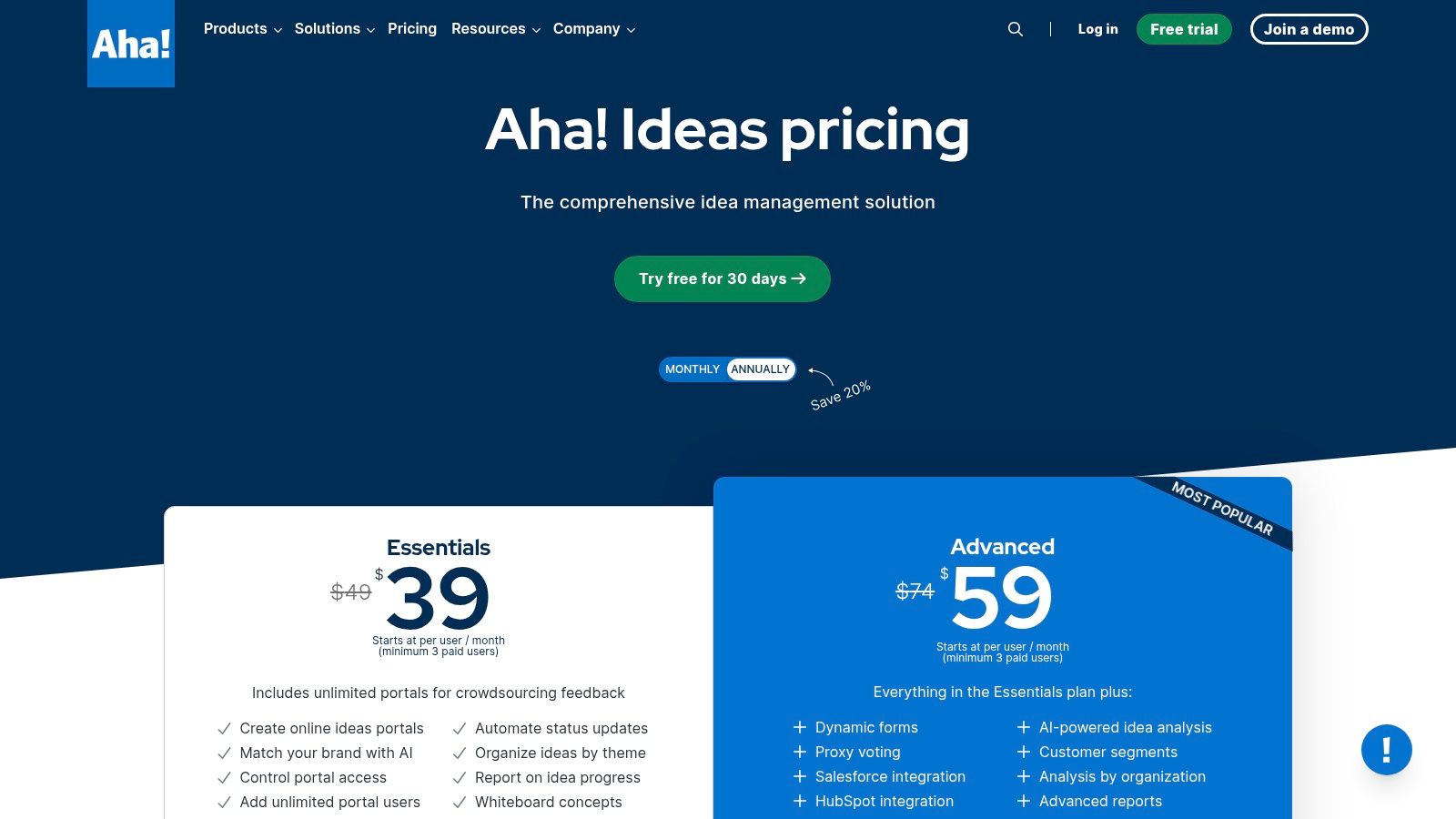
Its strongest feedback source is the idea board, especially structured submissions from customers, partners, and internal stakeholders. Salesforce integration can connect requests with account context, while AI-assisted exploration helps teams examine related ideas before prioritizing them. Product teams already using Aha! will get more value from that connection than teams starting with a single lightweight board.
Review this idea management platform guidance before choosing how much governance your workflow needs.
Built for controlled intake
Aha! Ideas works well when many people can submit requests, but product managers need moderation before anything enters the roadmap. Its connection to roadmapping keeps approved ideas linked to planning, status, and delivery decisions rather than splitting work across separate systems.
The trade-off is commitment. Paid seats affect the budget, and pricing can be harder to assess for teams combining product and CS users. Confirm access needs, Salesforce workflows, and the cost of adding contributors before adoption.
Choose it for enterprise product organizations, Aha! roadmap users, and teams that need review controls. Skip it if you need a fast standalone board, have a tight budget, or do not need roadmap linkage.
Website: Aha! Ideas pricing
Top 10 Product Feedback Tools Comparison
| Solution | Core capabilities | ✨ Unique selling points | 👥 Target audience | ★ Quality / impact | 💰 Pricing / value |
|---|---|---|---|---|---|
| 🏆 SigOS | Autonomous product intelligence; ingests tickets, calls, usage; revenue-impact scoring; real-time alerts | ✨ Dollar-value prioritization; sub-minute analysis (~0.4s); 87% correlation; broad integrations | 👥 SaaS PMs, CSMs, Growth, Technical leads | ★★★★★ 87% corr.; ROI‑driven | 💰 Free 1st analysis; custom pricing |
| Productboard | Centralized feedback → ideas → roadmap; prioritization frameworks | ✨ Built-in idea portal & roadmap linkage | 👥 Product teams needing end‑to‑end PM workflows | ★★★★☆ Mature PM workflows | 💰 Per‑maker billing (can scale) |
| Pendo Feedback | Request collection, voting, AI summaries; ties to analytics & in‑app guides | ✨ Tight integration with Pendo analytics & in‑app guidance | 👥 Teams using in‑app guidance + analytics | ★★★★☆ Strong analytics tie‑ins | 💰 MAU/modules; quote needed |
| Canny | Public/private idea boards, voting, changelog, status updates | ✨ Fast to launch; transparent public roadmap | 👥 Small to mid SaaS teams, community‑facing products | ★★★☆☆ Simple & lightweight | 💰 Tiered; scales with tracked users |
| UserVoice | Centralized intake, deduplication, stakeholder updates | ✨ Enterprise-grade grouping & governance | 👥 Large orgs with high feedback volume | ★★★★☆ Built for scale | 💰 Volume/usage pricing; quote |
| Hotjar (Surveys & Feedback) | In‑product surveys, feedback widgets, heatmaps, session recordings | ✨ Behavioral context (heatmaps & sessions) + microsurveys | 👥 UX teams, product teams wanting in‑UI feedback | ★★★☆☆ Quick qualitative context | 💰 Usage/session tiers; SMB→enterprise |
| Sprig | Targeted microsurveys, concept/UX testing, AI study synthesis | ✨ Research controls (screeners, quotas) + AI assistance | 👥 Product researchers, continuous discovery teams | ★★★★☆ Research‑grade insights | 💰 Sales‑assisted pricing for advanced plans |
| Survicate | Multi‑channel surveys (web, in‑app, email); NPS/CSAT templates | ✨ Wide distribution channels & easy templates | 👥 SMBs & mid‑market teams wanting fast surveys | ★★★☆☆ Affordable & versatile | 💰 SMB‑friendly; higher tiers via sales |
| Dovetail | Transcription, tagging, theming, AI themes, evidence traceability | ✨ Qualitative research repository; source‑backed insights | 👥 Researchers, PMs handling large unstructured feedback | ★★★★☆ Strong for qualitative synthesis | 💰 Tiered; enterprise features via quote |
| Aha! Ideas | Public/private idea portals, triage workflows, roadmap integration | ✨ Deep tie‑in to Aha! roadmaps & strategy | 👥 Product orgs using Aha! and enterprise teams | ★★★★☆ Governance + strategy alignment | 💰 Requires paid seats; annual pricing model |
Matching Your Feedback Sources to the Right Stack
The cleanest way to buy product feedback tools is to start from your real sources, not from the logo list. Support tickets and chat threads need something that can ingest messy, repeated complaints and route them into product work. NPS verbatims need a survey layer or analysis layer that can handle short comments without burying them in a spreadsheet. In-app prompts work best when the tool can target the right moment and capture context. Session behavior needs a tool that can connect what users say to what they really do. Idea requests need governance, deduplication, and some way to close the loop.
For most SaaS teams, one tool is enough for the primary source and one additional tool covers the blind spot. A support-heavy team might pair SigOS with a lightweight board or a survey tool. A research-heavy team might pair Dovetail with a request board. A product-led team might use Pendo Feedback or Hotjar for in-app signals, then route the most important themes into a more formal prioritization layer. The mistake is buying five tools and hoping the backlog gets cleaner on its own.
A two-week pilot is the right way to test this. Pick a fixed set of sources, usually one support system, one survey source, and one behavior source if you have it. Then verify the integrations work properly with your helpdesk and issue tracker, not just in a demo. If the tool can't move a ticket into Jira or Linear cleanly, the adoption risk is real.
Pricing visibility matters just as much as features. Several tools here do not publish full pricing, and that's a problem when product and CS share one stack and need budget approval from the same leaders. Ask for written pricing, ask what changes at scale, and ask what happens when tracked users, MAUs, data volume, or seats grow. A tool that looks cheap at the start can get expensive when feedback volume rises.
If I were advising a SaaS team today, I'd start by mapping sources to one clear owner. Support goes to the support-first path. In-app prompts go to the product-experience path. Idea boards go to the roadmap path. Then I'd choose the smallest stack that can explain why a request matters, who it affects, and what happens after it ships.
SigOS helps teams turn scattered product feedback into prioritized work that connects to real revenue impact. If you're trying to tie support tickets, usage data, and feature requests into one decision layer, visit SigOS and see how it fits your stack.



Ready to find your hidden revenue leaks?
Start analyzing your customer feedback and discover insights that drive revenue.
Start Free Trial →