Go High Level Integration: A Practical How-To Guide
Learn to master Go High Level integration with our step-by-step guide. Connect to Zapier, Make, or a custom API to send crucial data to platforms like SigOS.

If your GoHighLevel account is already catching new leads, tagged conversations, missed calls, and sales follow-ups, the hard part probably isn't data collection. It's deciding what that activity means for product priorities, churn risk, and revenue. A go high level integration becomes useful when it stops being a sync job and starts behaving like a decision layer.
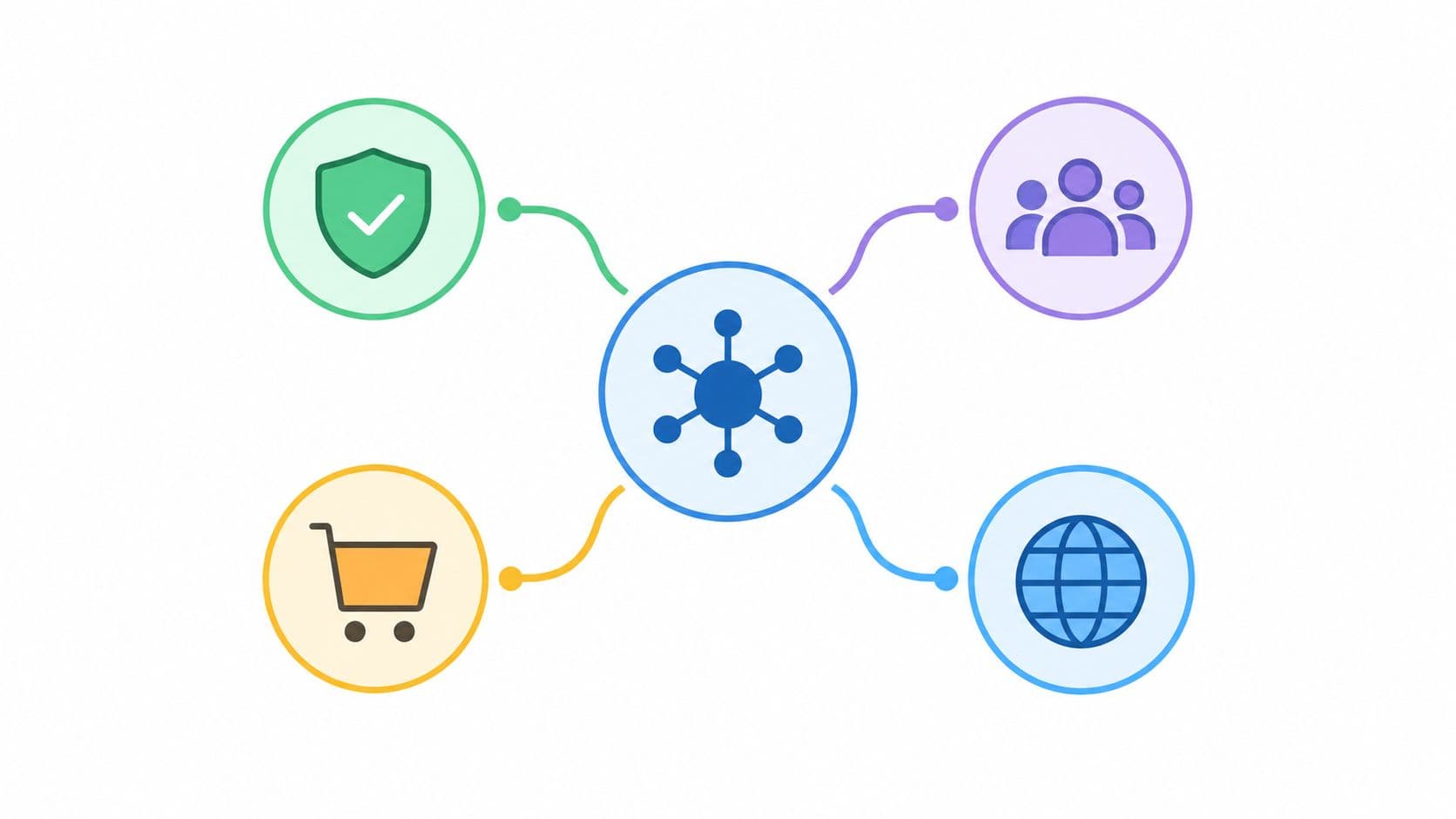
That's the shift frequently overlooked. Marketing automation moves records around, but product intelligence connects those records to what the business should do next. When customer conversations, support threads, CRM updates, and usage signals live in one operational flow, teams can rank feedback by business impact instead of by whoever shouted loudest in Slack. Platforms built around that model, including SigOS' own architecture, connect systems like Zendesk, Intercom, Linear, Slack, Salesforce, Stripe, Mixpanel, and Amplitude, then normalize the data so it can drive workflow instead of sitting in a dashboard SigOS features.
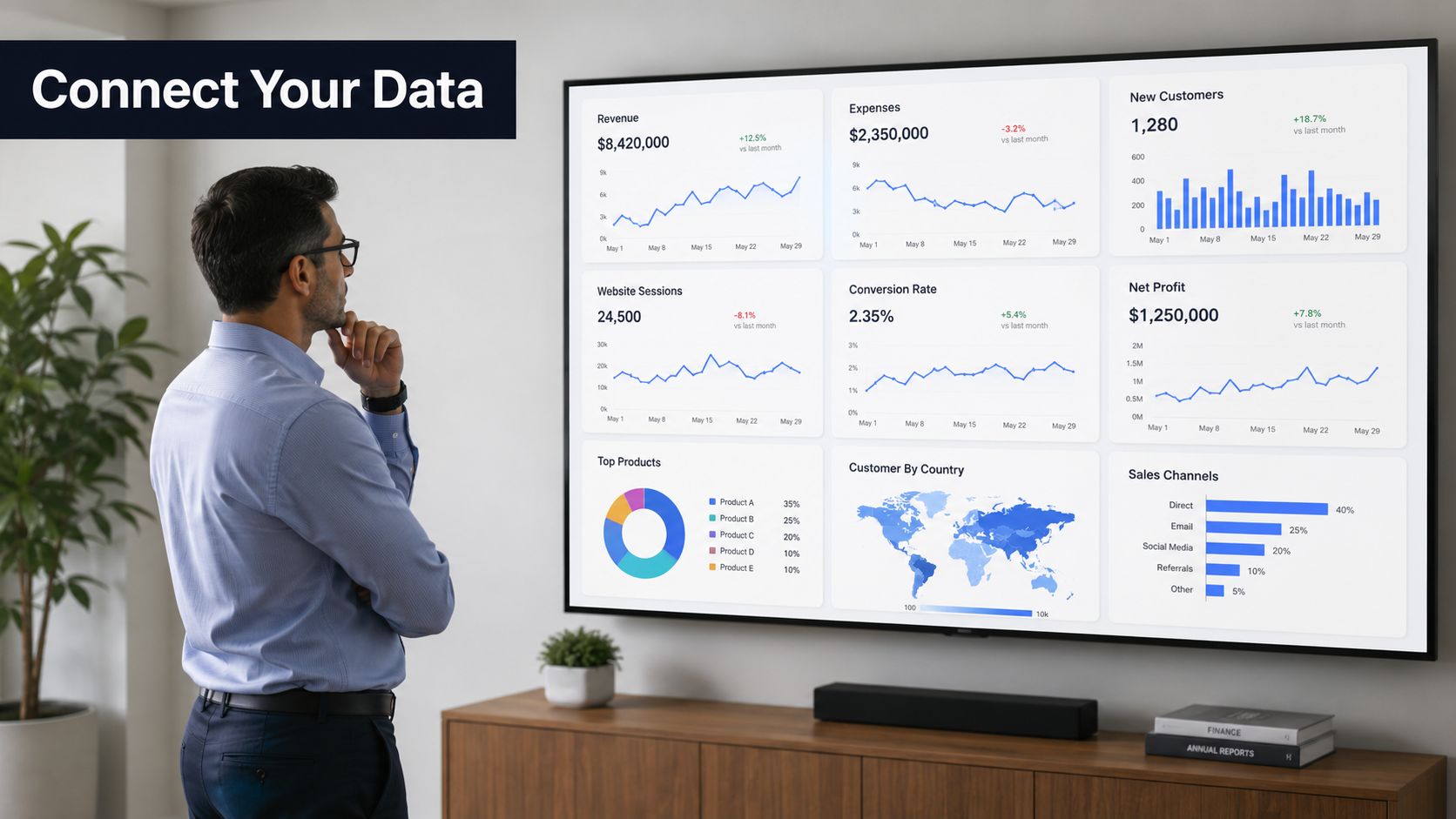
If you're mapping product strategy to customer reality, the core question is no longer “Can these systems connect?” It's “Can they surface the right signals early enough to matter?” That's the practical value of real-time integration, and it's why teams now treat customer interactions as inputs to roadmap decisions, not just follow-up tasks. For a deeper look at that operating model, see real-time data analytics.
Beyond Marketing Automation The Case for Integration
A support lead opens a GoHighLevel conversation from a frustrated customer. A sales rep tags the thread as a renewal risk. A month later, product still hasn't seen it, because the thread lived only inside the revenue team's workflow. That's the day a “working” marketing stack proves it's not working for the business.
The point of go high level integration isn't to move contacts faster. It's to make customer interaction data available to the people who decide what gets built, fixed, or escalated. HighLevel's own integration model reflects this broader architecture, because modern platforms are expected to ingest support, chat, CRM, revenue, and product-usage data in one place, then normalize it into something actionable SigOS features.
From lead syncing to product intelligence
The old version of integration answered narrow operational questions, like whether a new lead got into the right list. The newer version asks whether a repeated complaint, a stalled opportunity, or a sudden spike in tagged conversations should change roadmap priority. That's a very different job.
SigOS describes this kind of pipeline as Connect, Correlate, Calculate, and Act, where data is pulled in, matched across systems, scored, and then pushed back into operations through alerts, reports, and routing. In practical terms, that means a flagged conversation can become an issue, a risk alert, or a priority review instead of just another closed loop in a CRM SigOS features. It's the difference between “we saw it” and “we acted on it.”
Practical rule: if a GoHighLevel event can affect churn, expansion, or roadmap urgency, it shouldn't stay trapped inside the marketing workflow.
That logic also helps product teams separate noise from signal. A low-value lead asking for a feature is not the same as an enterprise account sending repeated objections through support and sales. When the integration layer can compare those signals and send them to the right system, it gives product and growth teams a shared view of what matters.
Understanding GoHighLevel Integration Patterns
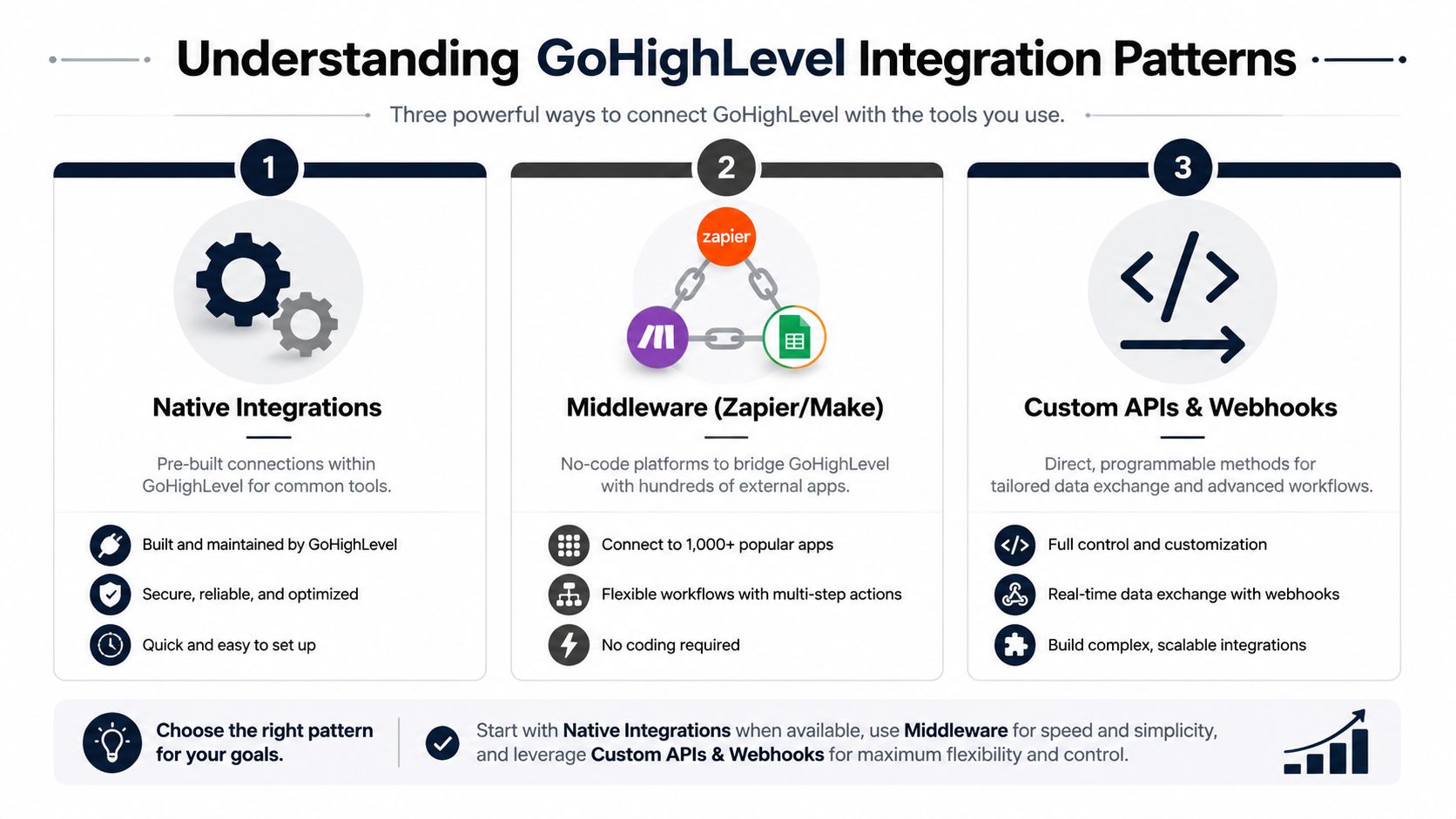
The first decision is not which tool to pick, it's how much control you need. GoHighLevel offers a practical sequence for integration work, choose the integration type, set up authentication, make an initial API call, then build and deploy. For webhook-driven work, the sequence tightens further, because you create the OAuth app, define scopes, register the URL, and subscribe only to the specific events you need GoHighLevel docs.
Authentication is the real architecture choice
In GoHighLevel, OAuth 2.0 is the safer fit for public apps and multi-account use, while Private Integration Tokens are better for internal or single-location access. That distinction matters because permissions shape what data can move, who can authorize it, and how much blast radius you create if something breaks. HighLevel's private integrations guidance makes the scope decision explicit, and that's where many teams underbuild or overbuild Private integrations.
For a technical product manager, the trade-off is simple. OAuth gives you broader, user-approved access, but it adds app registration and consent flow complexity. Private tokens are easier to start with, but they fit narrower operational use cases.
Choosing native apps, middleware, or custom code
The path you choose should match the job.
- Marketplace apps: Good when the connection is common and the workflow is predictable. You get a faster start, less engineering effort, and less maintenance.
- Middleware platforms: Useful when you need flexibility without building your own service. They're the fastest way to validate whether the signal is worth operationalizing.
- Custom APIs and webhooks: The right option when you need strict control over authentication, filtering, backfill, or downstream scoring logic.
If your goal is product intelligence, the first two options are often the right way to prove value before investing in the third. AgentStack's integrations documentation is a useful reference point for thinking about structured connection design, especially when you're comparing “quick hookup” workflows to deterministic app behavior.
The best integration pattern is the one that can be owned, monitored, and explained six months later.
Quick Wins with Middleware Zapier and Make
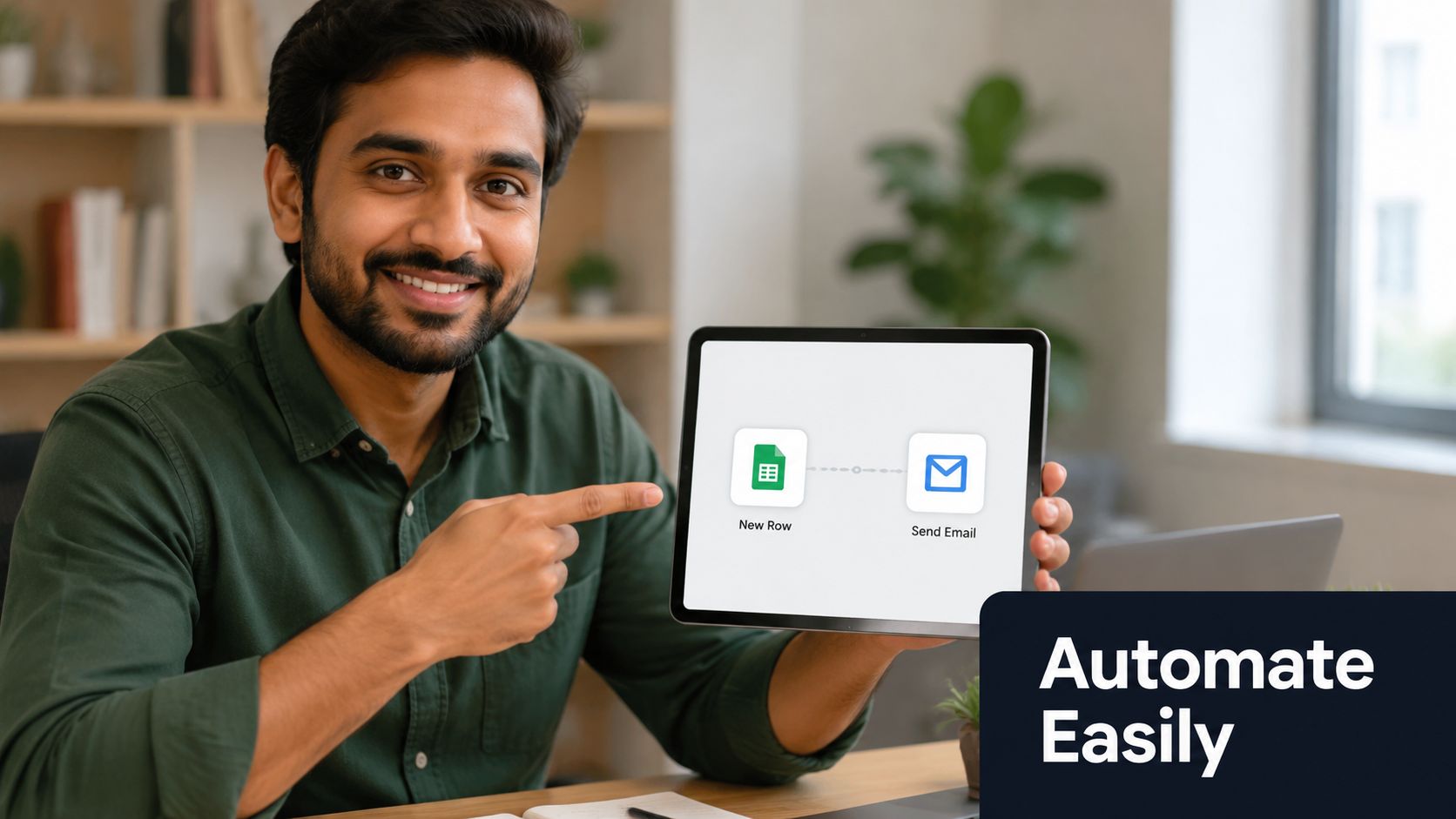
Middleware is usually the fastest way to prove that the data has business value. If you want to test whether GoHighLevel events should feed a product intelligence platform, or just confirm that your fields are clean enough to use, a no-code workflow gives you a low-friction answer. It also forces you to think in the same event logic you'll need later for custom code.
A simple pattern starts with a GoHighLevel trigger, such as a new contact or a submitted form. The automation then maps the useful fields into a destination system, like a spreadsheet, Slack channel, or intake queue. That sounds basic, but the key value is in seeing whether the data arrives in a shape that product, support, or growth teams can effectively use.
A practical first workflow
Start with a narrow trigger set. New Contact Created and Form Submitted are usually better starting points than a broad event feed, because they're easy to verify and easy to explain. Once the trigger is live, map only the fields that matter, name, email, source, tag, and any note or conversation context you can trust.
Then build one action that creates visible proof. A new lead row in Google Sheets or a Slack alert to the right channel is enough to confirm the path works. If you can't see the event arrive where it should, the problem is usually scope, mapping, or a field that doesn't exist where you thought it did.
Where middleware helps, and where it doesn't
Middleware is excellent for confidence-building. It's also a good test bed for operational assumptions, because it shows whether the data is too noisy, too incomplete, or too delayed to support decision-making. That matters more than any “automation” label.
It's not the right final shape when you need strict governance, custom scoring, or real-time enrichment from multiple systems. If the workflow has to deduplicate records, merge conversation context, and trigger different outcomes based on account value, you'll outgrow middleware quickly. That's where a custom pipeline starts to make sense.
Use middleware as a proof-of-value layer, not as a permanent excuse to avoid system design. If the workflow matters, the next step is making it dependable, observable, and secure.
Building a Custom Workflow with Webhooks and APIs
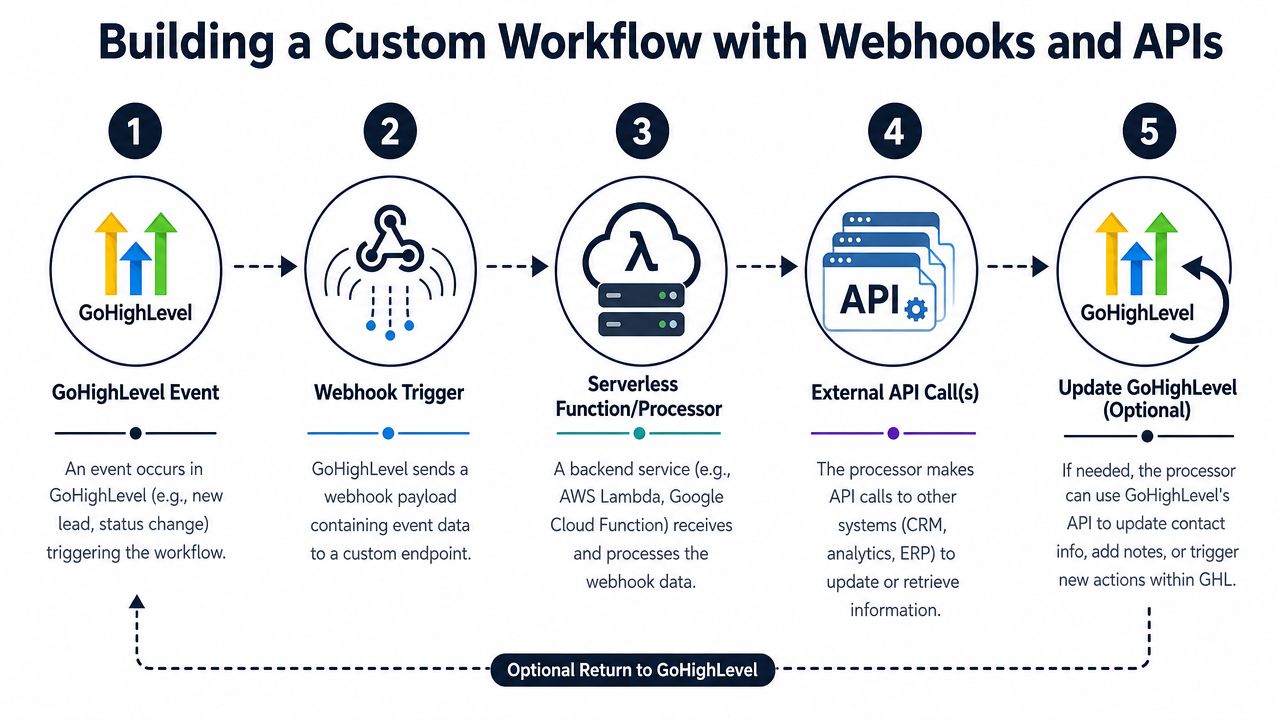
Custom work starts when you need to decide exactly what happens to each event. A webhook can send the event, a serverless function can process it, and an external API can turn it into a scored signal, issue, or alert. That's a much better fit for product intelligence than a generic sync because it gives you deterministic control over what gets ingested and when.
HighLevel's custom payments guidance is useful here even if you're not building a payments flow, because it shows the architecture pattern clearly, create a Marketplace app, build a backend service that handles OAuth and webhooks, then test the whole path end to end HighLevel custom integration guide. The important lesson is that the backend owns the orchestration, not the front end.
A reliable event pipeline
A strong GoHighLevel webhook pipeline starts with event filtering. Don't subscribe to everything just because you can. HighLevel's own guidance says to subscribe only to the events you need, because that reduces payload noise and unnecessary processing GoHighLevel docs.
From there, the serverless function should do four things in order.
- Validate the request. Confirm the payload and headers are what you expect before doing any work.
- Normalize the fields. Map the GoHighLevel structure to your downstream schema.
- Enrich or score the event. Add context from account data, tags, or conversation history.
- Call the destination API. Push the record to your product intelligence system or issue tracker.
That workflow works well for a “new conversation tagged” event. The tag can indicate churn risk, product interest, or a sales objection. Once the function receives the webhook, it can package the conversation metadata and send it into a system like SigOS, where the signal can be correlated against other customer behavior before it becomes a task or alert. That connection is useful because SigOS is designed to ingest support, chat, and usage data, then normalize it into actionable patterns SigOS features.
What breaks custom integrations
The failure modes are usually predictable. Missing scopes can stop delivery before the webhook ever arrives. Wrong headers can make requests fail unobserved. Subscribing to too many events can create noise and throttling pressure. HighLevel also documents the need to handle OAuth, webhooks, and queryUrl requests carefully in a backend service, which is exactly why the order of operations matters HighLevel custom integration guide.
Build the smallest useful event path first, then expand it after you've proven delivery, mapping, and retry behavior.
If you want the pipeline to stay maintainable, keep the logic narrow. Don't mix event intake, scoring, enrichment, and backfill into one brittle function unless you have to. A cleaner data architecture diagram helps teams separate responsibilities before the code hardens, which is why the data architecture diagram reference is worth keeping nearby during design reviews.
Essential Best Practices Security and Testing
A working integration is not the same as a safe one. Teams often ship the first version, see records move, and assume the job is done. That's how broken integrations go unnoticed for weeks, then create data loss and missed automations New Motion IT.
Governance has to be designed in
The first governance question is ownership. Which system is the source of truth for contact data, conversation history, and downstream status changes? If you can't answer that clearly, every retry, update, and merge becomes a risk.
The second question is failure handling. If a webhook fails, should the event be retried, queued, or logged for manual review? The third is visibility. If a sync breaks, who gets notified, and how quickly can they tell which record was affected? Those questions matter more than the integration method itself, because an elegant pipeline is still useless if nobody knows it failed New Motion IT.
Security and reliability habits that hold up
Use scoped credentials from day one. Keep secrets in environment variables or a secret manager, not in code or pasted config files. For webhook traffic, validate what you can before processing it, and keep your event handling idempotent so retries don't create duplicate records.
Rate limiting also needs attention. HighLevel's V2 APIs use OAuth-based limits, with a burst limit of 100 requests per 10 seconds and a daily limit of 200,000 requests per day per app and resource, and the platform exposes rate-limit headers so you can monitor usage HighLevel API documentation. If your workflow ignores those limits, it may work in testing and degrade in production.
Test like the workflow will fail
Test in layers. Start with one object type, usually contacts, and verify that auth, headers, and payloads are correct before expanding into conversations, opportunities, or workflow triggers. That narrow start is safer because it reveals scope and mapping problems before they spread across the whole pipeline.
Then test the edge cases. What happens when the destination record already exists? What happens when a payload arrives twice? What happens when a field is missing, or when the API throttles you? Those are the situations that expose whether the integration is durable or just lucky.
If you want a practical rule, use this one. A production integration should tell you when it's broken before a user does. That's the level of observability product teams need, especially when customer feedback and revenue signals are flowing through the same pipe. For a related lens on operational hygiene, the data quality issues resource is useful as a follow-up read.
Conclusion From Data Mover to Decision Engine
GoHighLevel is strongest when it stops acting like a separate marketing island. Once its events are connected to product and revenue systems, it becomes a live source of customer intelligence. That's the ultimate payoff of a go high level integration built with intent, not just with connectors.
The simplest versions use middleware to prove the signal. The more serious versions use webhooks and APIs to make that signal reliable, secure, and actionable. In both cases, the discipline is the same, scope tightly, validate early, and choose the workflow shape that matches the business question rather than the tool's default behavior.
SigOS describes this broader evolution well, integration has moved from a back-office synchronization task into a decision layer that links customer feedback to revenue impact, and modern platforms are expected to turn heterogeneous inputs from tools like Zendesk, Intercom, and Salesforce into actionable workflows SigOS features. That's exactly how a GoHighLevel pipeline should behave when it's serving product strategy instead of just contact management.
If you're planning your first integration, start with one event class, one ownership rule, and one measurable outcome. Then expand only after the workflow has proven it can be trusted by product, support, and growth.
A CTA for SigOS.
Keep Reading
More insights from our blog
Ready to find your hidden revenue leaks?
Start analyzing your customer feedback and discover insights that drive revenue.
Start Free Trial →